English
5
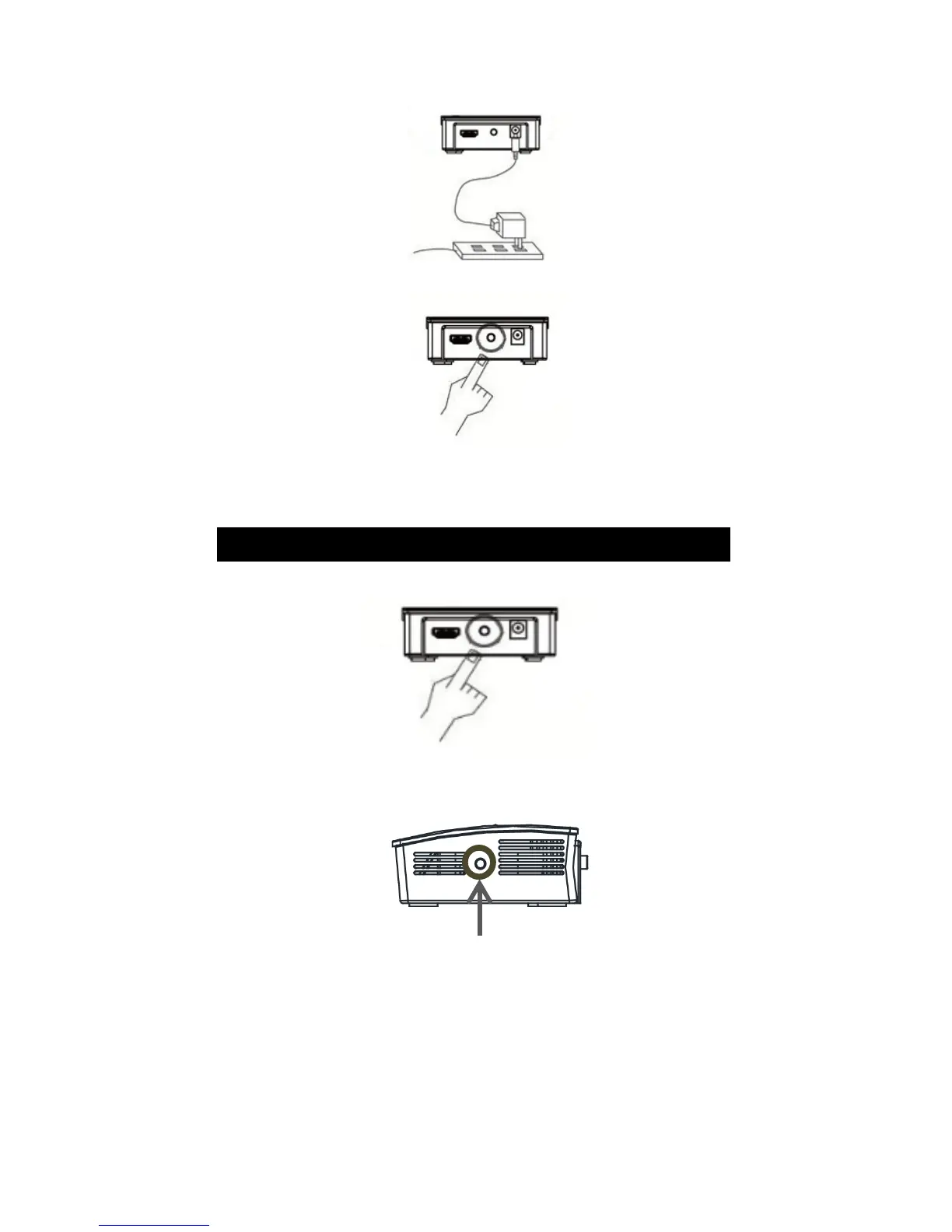
3. Check that the transmitter is powered.
4. Turn on the transmitter.
Select the source
Connecting to a different transmitter
1. Turn on the new transmitter.
2. Press the Find next button for 2 seconds.
3. The LED on the transmitter will start blinking quickly.
When the new connection has been established, the
LED will stop blinking and stay lit.



 To Next Page