Your Acer notebook tour - 13
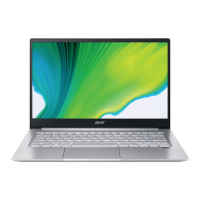
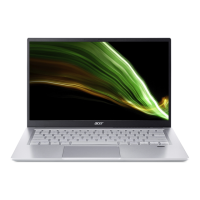
Keyboard view
# Icon Item Description
1 Keyboard
For entering data into your computer.
See "Using the keyboard" on page 17.
2 Touchpad
Touch-sensitive pointing device.
The touchpad and selection buttons
form a single surf
ace.
Press down firmly on the touchpad
surface to perform a left click.
Press down firmly on the lower right
corner to perform a right click.
3
Power button Turns the computer on and off.
4
Fingerprint
read
er
Fingerprint reader for Windows Hello
and security.


 To Next Page