
 Need help?
Do you have a question about the Acer TravelMate 5760 and is the answer not in the manual?
Initial welcome message and setup guidance for new users.
Overview of the available user guides for the notebook.
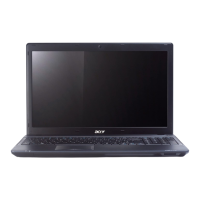
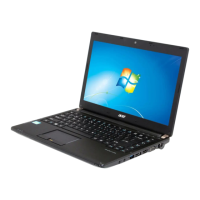
Identifies and describes components visible from the top of the notebook.
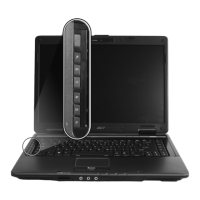
Explains how to use hotkeys for system controls and media playback.
Identifies and describes components visible from the closed front of the notebook.
Identifies and describes ports and connectors on the left side of the notebook.
Identifies and describes ports and the optical drive on the right side of the notebook.
Identifies and describes components visible from the base, including battery.
Lists operating and non-operating temperature and humidity ranges.
 General
| RAM | Up to 8 GB DDR3 |
|---|---|
| Storage | Up to 750 GB HDD |
| Display Size | 15.6 inches |
| Graphics | Intel HD Graphics 3000 |
| Operating System | Windows 7 Professional |
| Battery | 6-cell Li-ion |
| Weight | 2.6 kg |
| Processor | Intel Core i3/i5/i7 |
| Display Resolution | 1366 x 768 |
| Battery Life | Up to 4 hours |
| Ports | USB 2.0, VGA, HDMI, Ethernet, Audio jacks |
| Optical Drive | DVD Super Multi DL |
| Wireless | Wi-Fi 802.11b/g/n |



 To Next Page
