页码 41/52
and “fail”, choose anyone the phone will record the result.
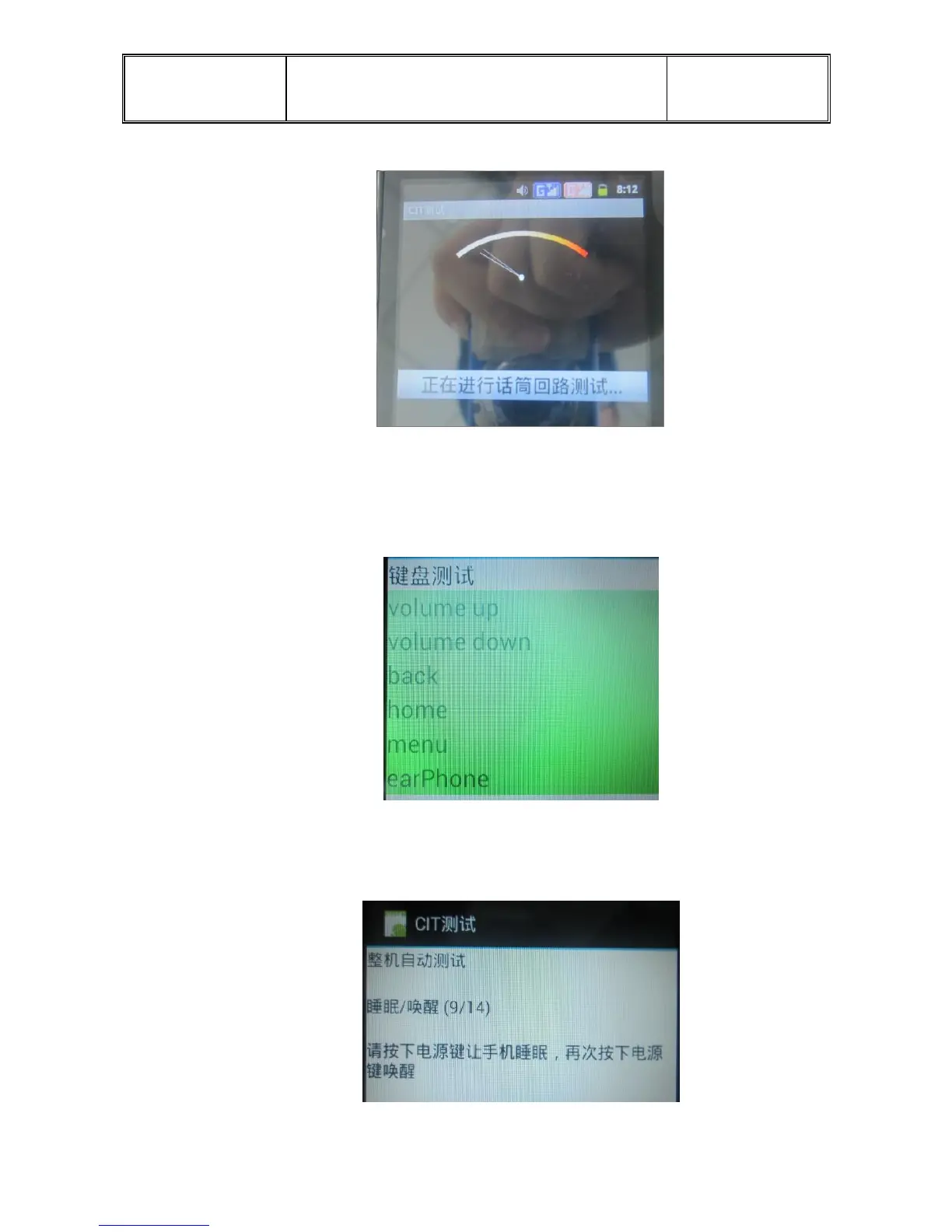
e. Keypad Test: go into the interface, press the volume down ,volume up, home,
menu, back and the key of earphone, corresponding key’s background will be
change at the same time. If no operates occur, the “succeed” show darkness. Click
“succeed” into the next item.
f. Sleep& wake test: press “sleep/wake” , press the power key into the sleep mode,
press power key again and wake the phone, unlock it. If do not do it, the “succeed”
will be dark. Click “succeed” into the next item.
g. LCD test:


 To Next Page