页码 42/52
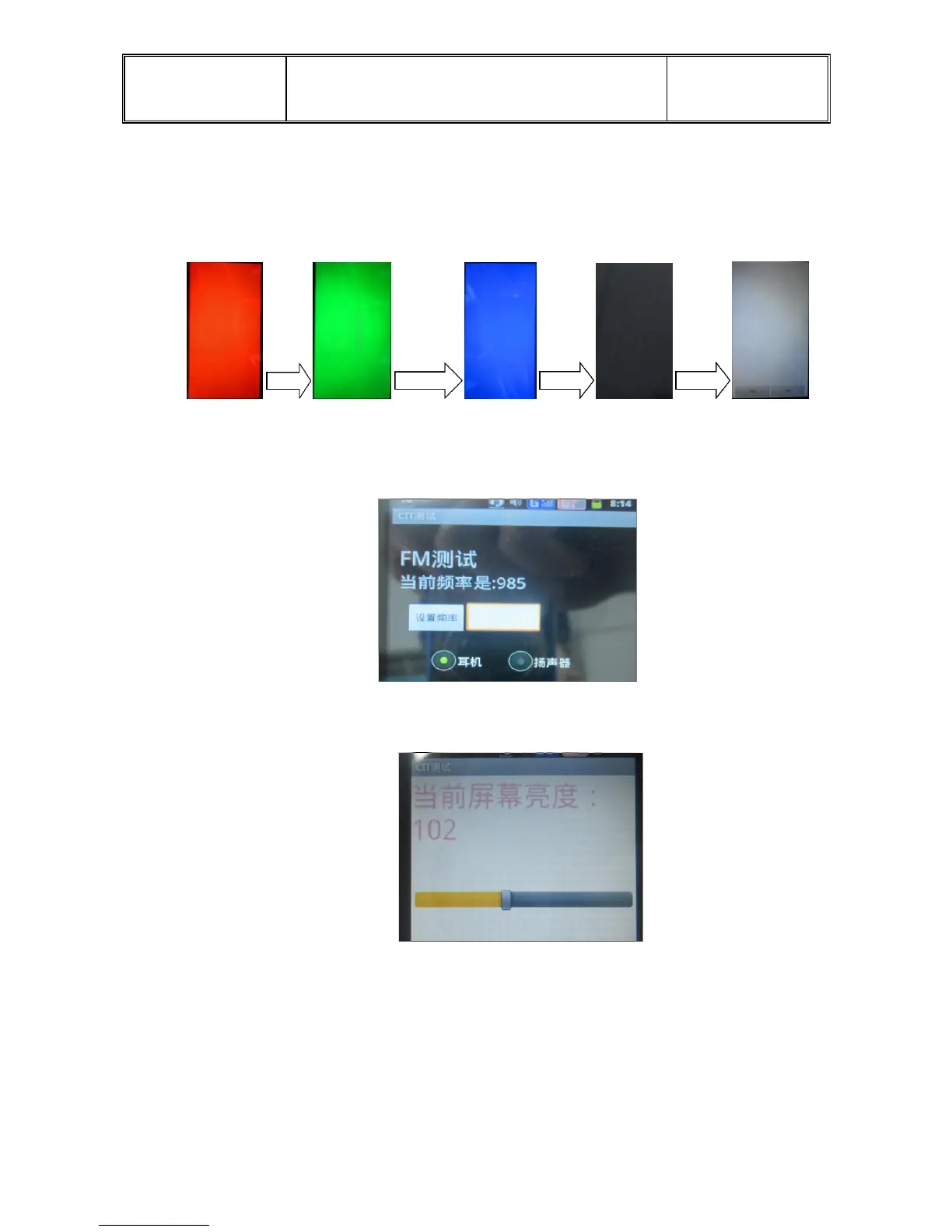
Go into the interface, LCD display white, red, green, blue, and black lasted 1 second
each colour, then two choices “pass” and “fail”, whatever you choose, the phone will
record the result.
LCD backlight test: the lightness will change with shifting of the movable rail.
h. FM test:
Go into the FM interface, tune 98.5MHZ, can hear clear broadcast. If not, the
“succeed” will be dark. Click “succeed” into the next.
i. Keypad light test: go into the test interface ,the screen gets darker, the keypad
light will light. Click “succeed” into the next.
j. TP test:
Go into interface, draw frame lines and cross lines, then click four small squares,. All
is over. TP is OK . Automatically go on the next.


 To Next Page