11
Scale Programming (Pattern Tap Write Mode)
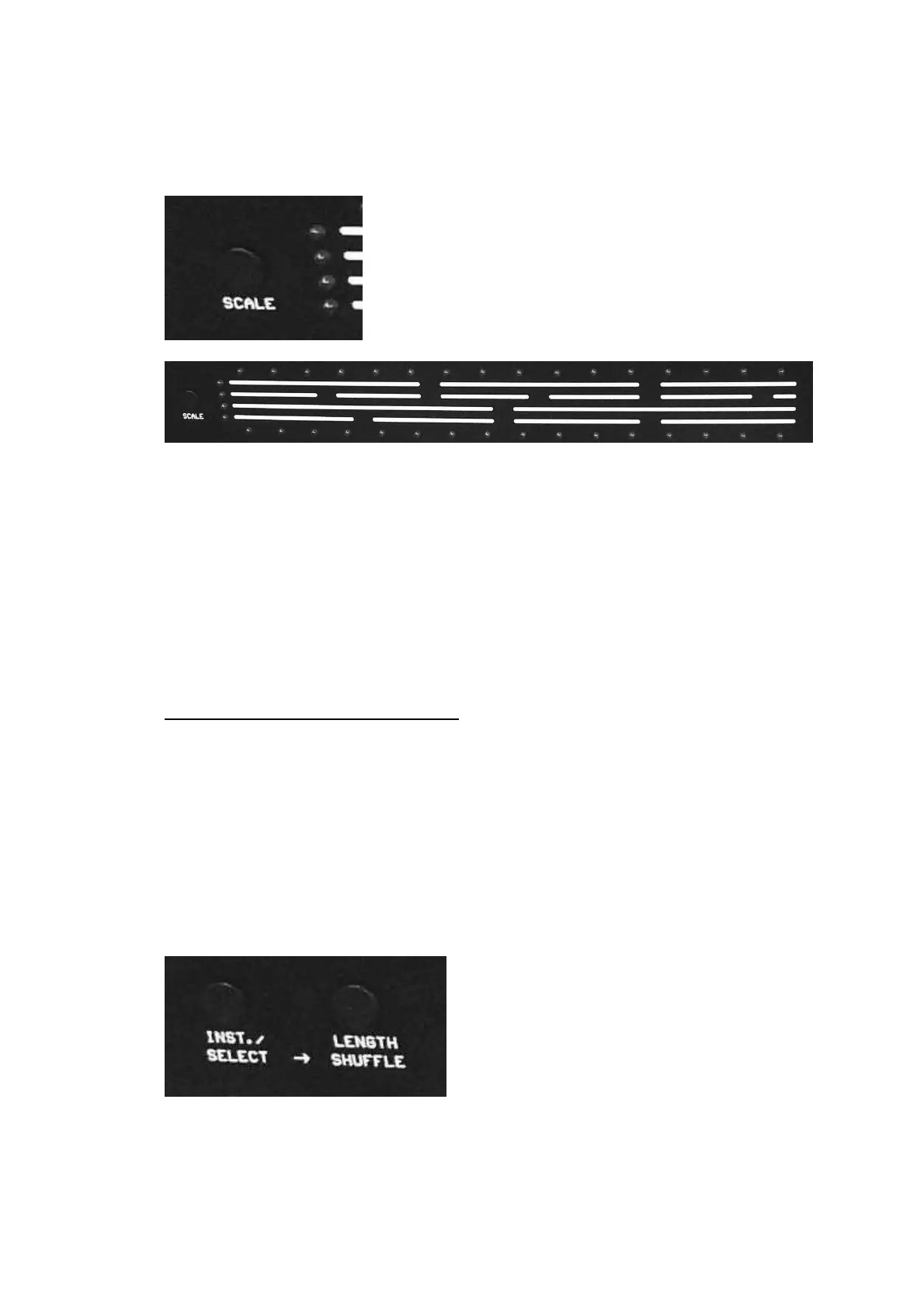
One of 4 possible scales can be selected for a pattern with the Scale Button.
The LED of the scale indicates which scale has been selected.
The lowest Scale-LED corresponds to 4/4 time signature.
Shuffle can only be adjusted if 4/4 time signature is selected (i.e. the
lowest LED is illuminated).
Shuffle Programming (Pattern Tap Write Mode)
The Miami has two kinds of Shuffle:
- The first kind of shuffle delays the even numbered steps (2, 4, 6, ...).
This is similar to the common shuffle found on the 909.
- The second kind of shuffle delays steps 3, 7, 11 and 15. This second
kind of shuffle is similar to the one on the CR-8000.
Both shuffles can be applied simultaneously.
Each of the two shuffles can be adjusted over a range of 5 degrees.
To do so, press the Inst./Select and the Length/Shuffle buttons at the same
time.
LEDs 1-5 of the step buttons will now indicate the shuffle setting of the first
kind of shuffle.
LEDs 8-12 indicate the shuffle setting of the second kind of shuffle.


 To Next Page