11
INSTALLATION
STEP 5
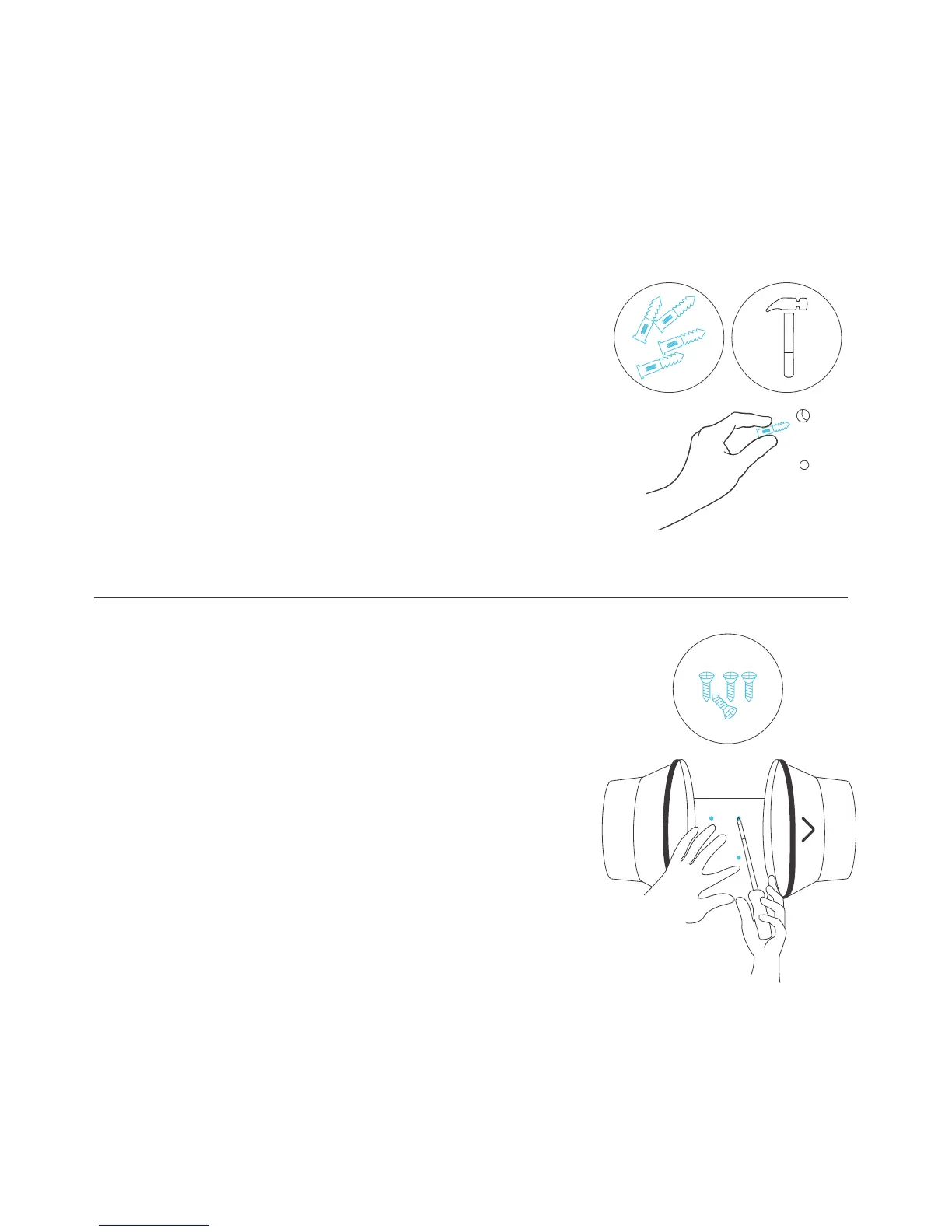
Insert the four wall anchors included
with this product in each of the drilled
mounting holes. You may need to use a
hammer to secure them through the
holes.
STEP 6
Position the mounting flanges and
align the mounting holes with the wall
anchors. Use a screw driver or drill to
secure the four wood screws through
the mounting frame and into the wall
anchors. Please make sure the airflow
direction marking is aligned with your
intended direction.



 To Next Page