17
CLEANINGCLEANING
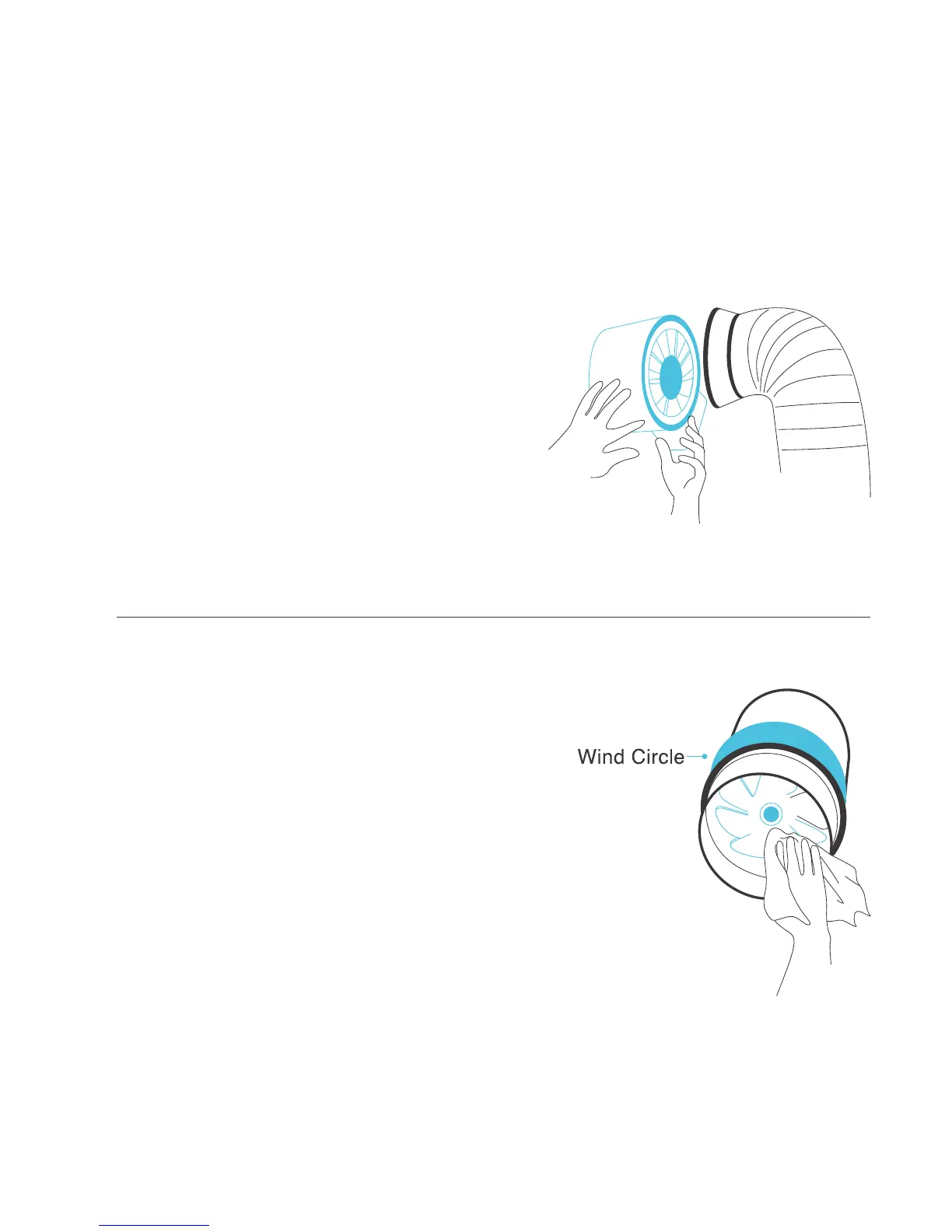
STEP 1
Remove the motor box from the mounting
flange. Please refer to steps 1 and 2 on
page 9 for more information on proper
motor box removal.
STEP 2
Use a damp cloth to clean the dust and dirt
off the impellar and fan blades. Remove the
wind circle that’s between the motor box and
input flange for cleaning.



 To Next Page