16
POWERING AND SETUP
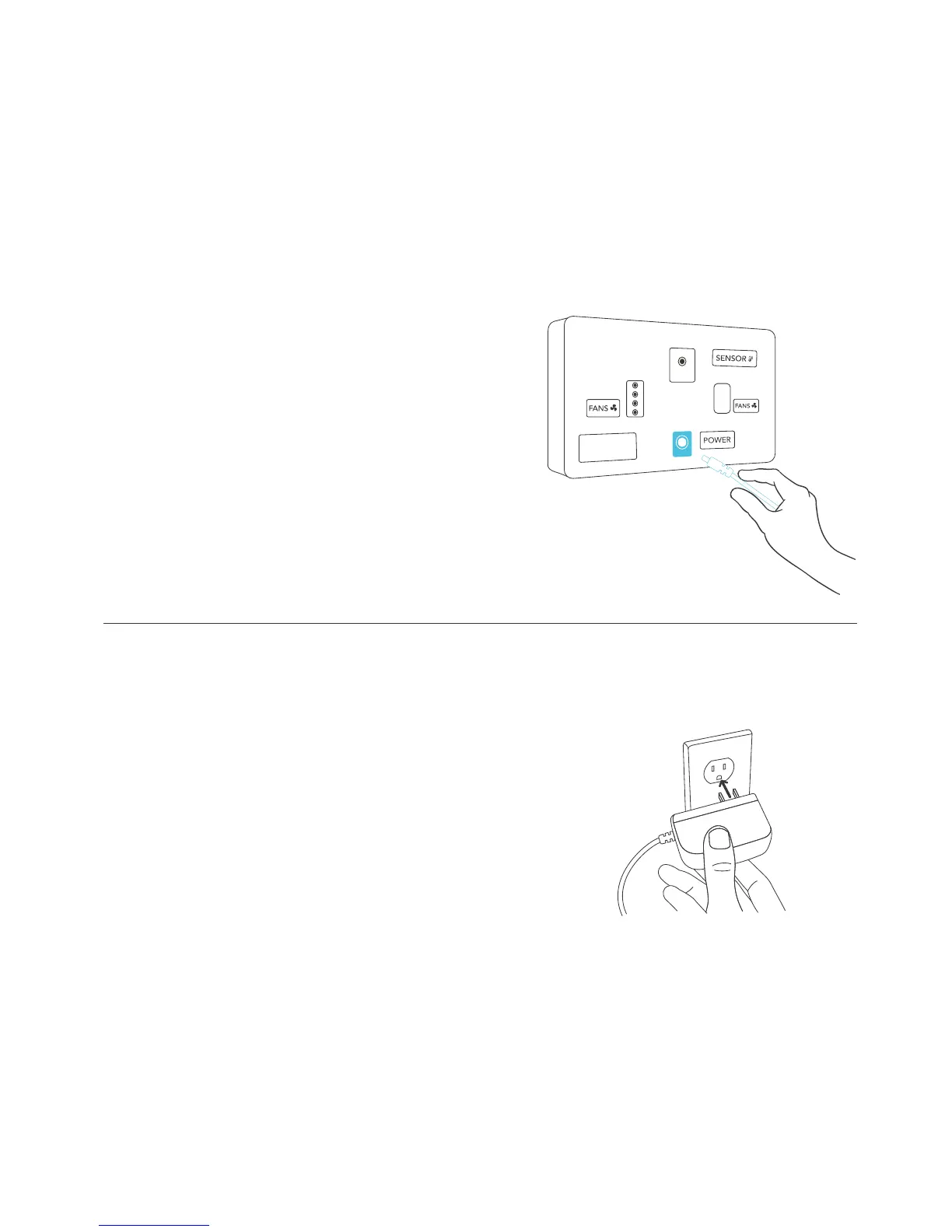
STEP 5
Plug the DC connector of the power
adapter into the backside of the
thermal controller under “POWER”.
STEP 6
Lastly, plug the power adaper into an AC
power outlet. The adapter is rated at 100
to 240V AC 50/60 Hz and a plug adapter
can be attached to make it compatible to
various outlet types.
AC INFINITY



 To Next Page