15
POWERING AND SETUP
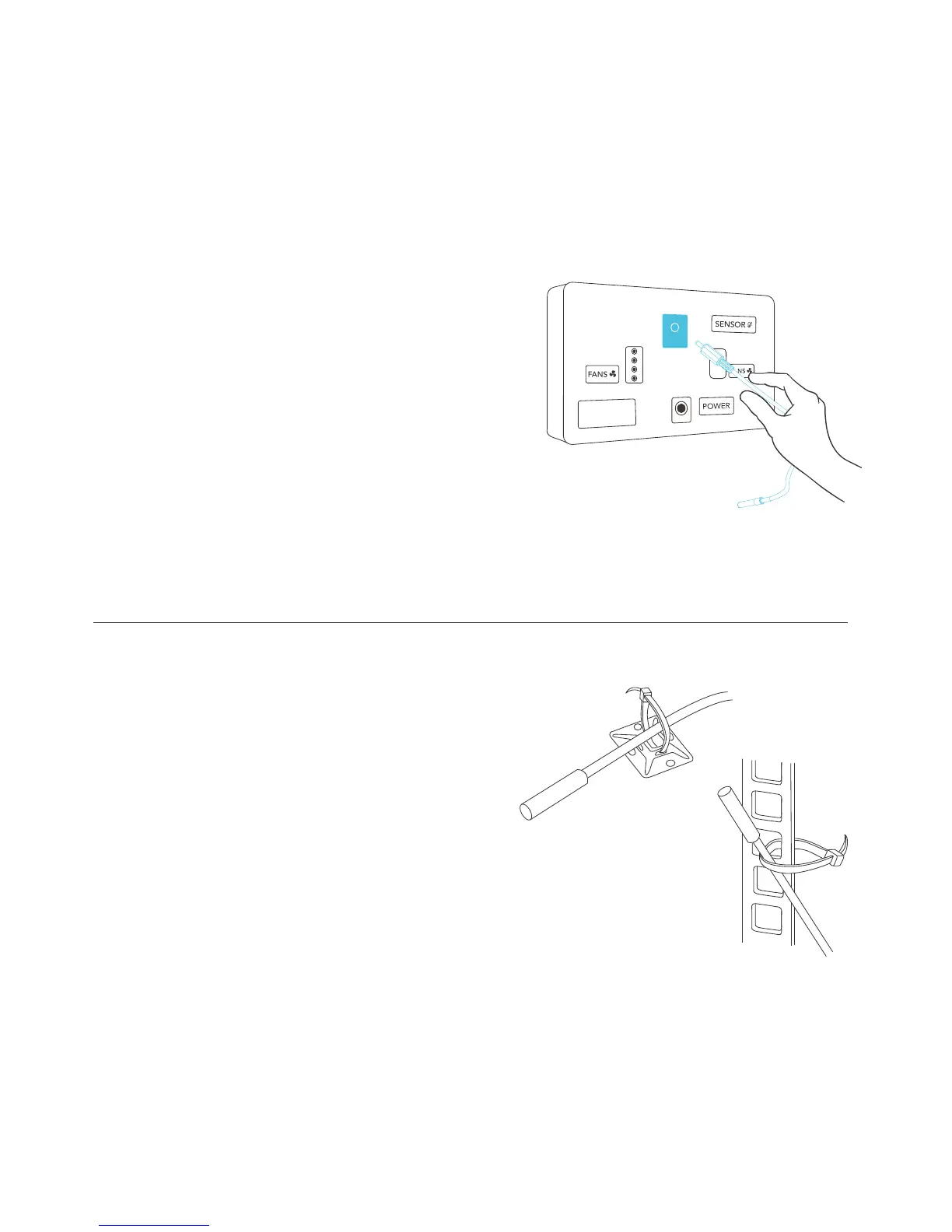
STEP 3
Locate the connector plug of the
thermal probe and plug it into the
backside of the thermal controller
under “SENSOR”.
STEP 4
Secure the thermal probe head next
your electrontics, preferably near the
hottest device. You can use the wire
tie to secure the probe onto a rack rail
or the cable tie mount to a surface.
AC INFINITY



 To Next Page