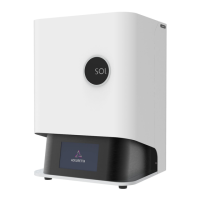
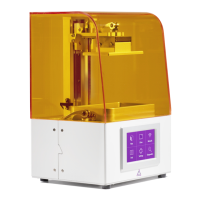
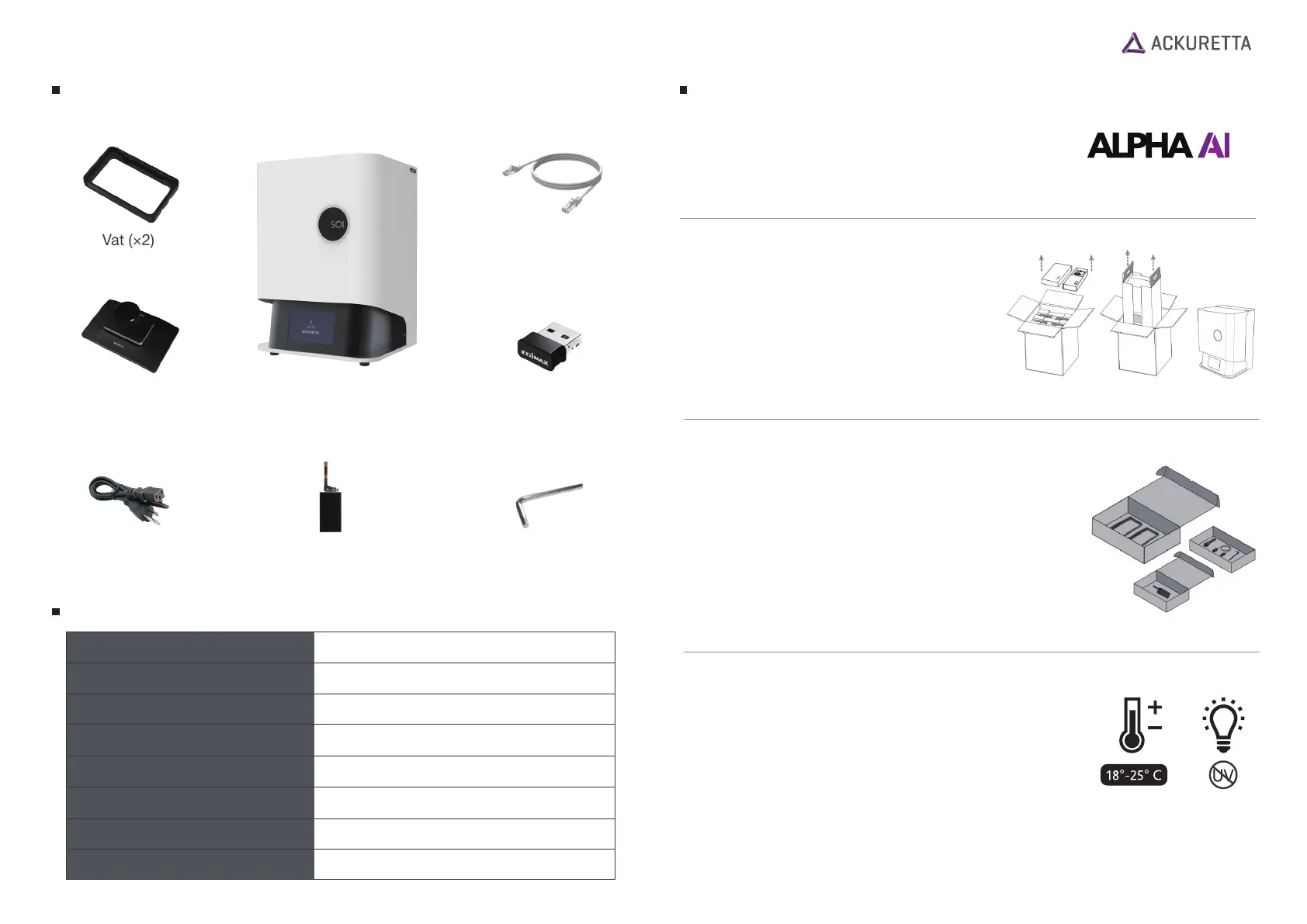
Package Contents
Ethernet Cable
Vat (×2)
Build Platform
Hex Key
Wi-Fi Dongle
SOL 3D Printer
Print Screen (+1)
Power Cable
Product Specifications
Machine Size
271.3 mm (W) x 292 mm (L) x 416.8 mm (H)
Weight
~15 kg
Print Size
128 x 80 x 140 mm
XY Resolution
49 μm
Slice Thickness
30 - 150μm
Resin Wavelength
385~405 nm
Power Supply
110-240V AC, 50-60Hz
Monochrome LCD Panel
3D Print Technology
Setup Guide
Environment
Operate your SOL in a temperature-
controlled room, between 18°-25° C (64°-77° F).
Ackuretta also recommends using UV-filtered LED
lights in your workspace for both printing and
cleaning.
Warning
Do not allow any resin or residue to come into contact with the hood on your
printer because 3D printing resins have a corrosive effect on acrylic.
Software
Download and install the Alpha AI software from the
Ackuretta website:
https://ackuretta.com/sol/
Unboxing
1. Remove the cables, hex key, two boxes,
and packaging from the top and put
them in a safe place.
2. Lift your printer out by the handles.
3. Secure your printer by the base to
remove it from its internal packaging.
Side Boxes
There are four small boxes in the package and with the
following contents:
VAT: 2x Vats (one vat in place on the printer and
another with the accessories)
CABLE and TOOLS: 1x ethernet cable,
1x power cable and 1x hex key (Allen wrench)


 To Previous Page
 Loading...