10B
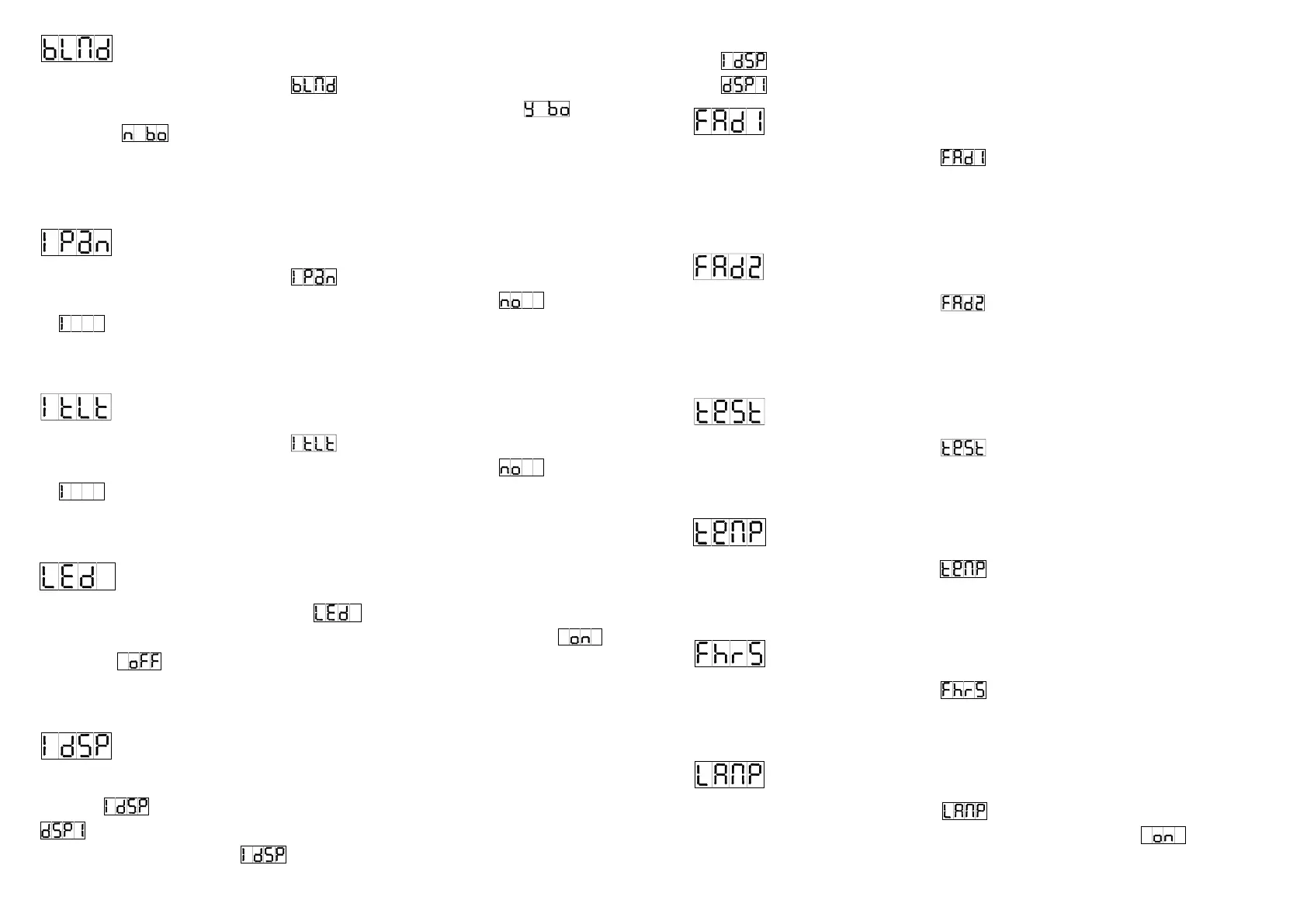
Blackout Mode
Press the MENU button up to when the
is shown on the display. Pressing ENTER
button and the display will blink. Use DOWN and UP button to select the
(yes
blackout) or
(no blackout) mode. Once the mode has been selected, press the
ENTER button to setup or automatically return to the main functions without any change
after 8 seconds. To go back to the functions without any change press the MENU button
again.
Pan Inversion
Press the MENU button up to when the
is shown on the display. Pressing ENTER
button and the display will blink. Use DOWN and UP button to select the
(normal)
or
(pan inversion) mode. Once the mode has been selected, press the ENTER
button to setup or automatically return to the main functions without any change after 8
seconds. To go back to the functions without any change press the MENU button again.
Tilt Inversion
Press the MENU button up to when the
is shown on the display. Pressing ENTER
button and the display will blink. Use DOWN and UP button to select the
(normal)
or
(tilt inversion) mode. Once the mode has been selected, press the ENTER
button to setup or automatically return to the main functions without any change after 8
seconds. To go back to the functions without any change press the MENU button again.
Led Display
Press the MENU button up to when the
is showing on the display. Pressing
ENTER button and the display will blink. Use DOWN and UP button to select the
(Led on) or
(Led off) mode. Once the mode has been selected, press the ENTER
button to setup or automatically return to the main functions without any change after 8
seconds. To go back to the functions without any change press the MENU button again.
Display Inversion
It is good for you to install the unit on the floor or under ceiling. Press the MENU button up to
when the is blinking on the display. Use the ENTER button to change to the mode
(display inversion), It will automatically store after 8 seconds. Or press the ENTER
button again return to the mode
(display normal). To go back to the functions press
11B
the MENU button.
Display normal mode for the fixture putting on the floor.
Display inversion mode for the fixture fixing under ceiling.
Gobo1 focus Adjust
Press the MENU button up to when the is blinking on the display. Pressing ENTER
button, the unit will focus on tilt 135°, and then the unit will first focus on tilt 45°, pan 0°, pan
90°, pan 180°, pan 270° each time your press ENTER button. Use DOWN and UP button to
adjust fixable gobo wheel focus. To go back to the functions press the MENU button again.
Gobo2 focus Adjust
Press the MENU button up to when the is blinking on the display. Pressing ENTER
button, the unit will focus on tilt 135°, and then the unit will first focus on tilt 45°, pan 0°, pan
90°, pan 180°, pan 270° each time your press ENTER button. Use DOWN and UP button to
adjust rotating gobo wheel focus. To go back to the functions press the MENU button again.
Self-Test
Press the MENU button up to when the
is blinking on the display. Pressing ENTER
button and the unit will run self-test by built-in program. To go back to the functions press the
MENU button again.
Ambient temperature of lamp
Press the MENU button up to when the is blinking on the display. Pressing ENTER
button and the ambient temperature of lamp will show on the display. To go back to the
functions press the MENU button again.
Fixture Hours
Press the MENU button up to when the
is blinking on the display. Pressing ENTER
button and the display will show the number of working hours of the unit. To go back to the
functions press the MENU button again.
Lamp ON/OFF
Press the MENU button up to when the
is blinking on the display. Pressing ENTER
button and the display will blink. Use DOWN and UP button to select the
(Lamp on)











 To Next Page