21
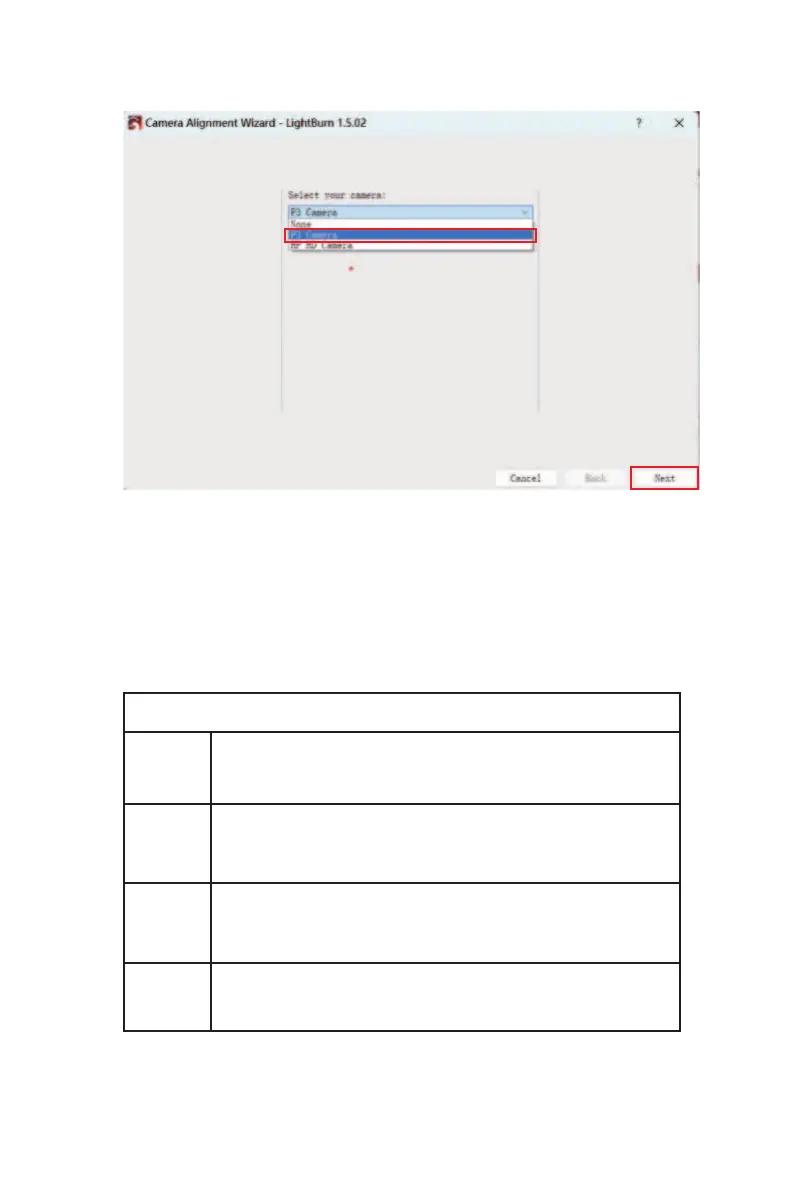
⑨ Select "P3 Camera" and click "Next".
⑩ Adjust the power and speed (refer to the parameter
table below according to your actual purchased product),
then enter the value of 180 in the Scale item. Click
“Frame" to preview the engraving range, and finally click
"Start" to start engraving. After the engraving is com-
plete, click "Next".
Power / Speed Reference
24W
48W
2-IN-1
2W IR
Fill Speed:20000 Fill Power:100
Line Speed:10000 Line Power:60
Fill Speed:20000 Fill Power:50
Line Speed:10000 Line Power:30
Fill Speed:20000 Fill Power:100
Line Speed:10000 Line Power:60
Fill Speed:10000 Fill Power:100
Line Speed:5000 Line Power:60



 To Next Page