1
1.Turn off power to Windows 98 PC, remove PC cover,
insert card to an available PCI slot,close cover,turn on
power.
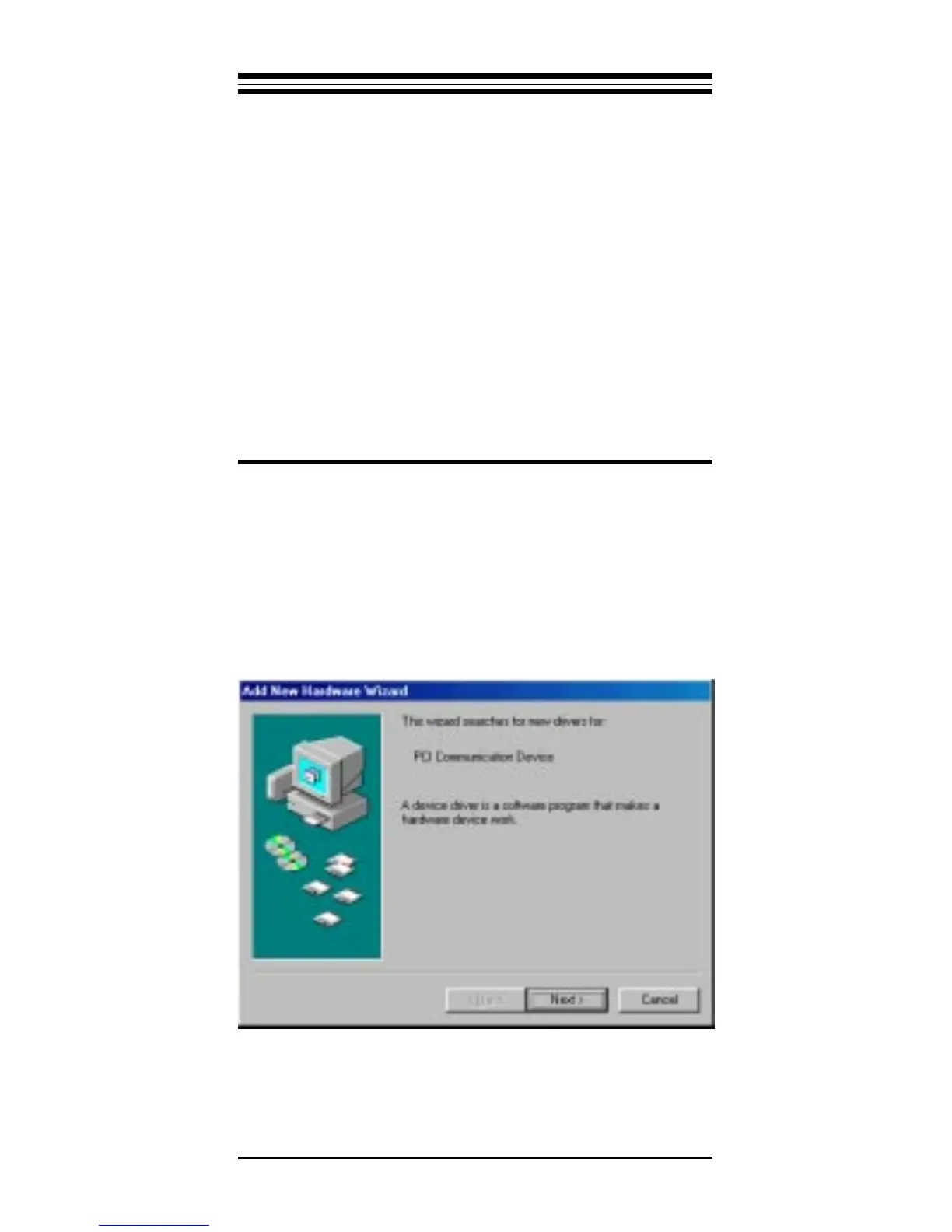
2.When Windows 98 loads,it will detect the new hard-
ware and ask for a driver. the following window should
appear.
3.Click Next and you should see:
Section One - Introduction
This 56 kbps* Plug and Play FAX/Data Modem
connects your computer to all popular high speed mo-
dems available today. Its incorporates "V.90/K56Flex"
(56Kbps)
technology to provide increased download
speeds using regular telephone lines. The modem incor-
porates Plug and Play for ease of installation.
This manual describes the AT commands and S-
registers so that your system can be customized for a
particular operating environment.
*Note: K56flex is capable of downloading at 56kbps.
However, current FCC regulations limit its speeds to
53Kbps.
Section Two - Installation Guide



 To Next Page