EasyManua.ls Logo

Acorto 2000s - Page 16

Acorto 2000s
237 pages
Print Icon
To Next Page IconTo Next Page
To Previous Page IconTo Previous Page
Loading...
Section
3:
User Information
?ntn-nnaa
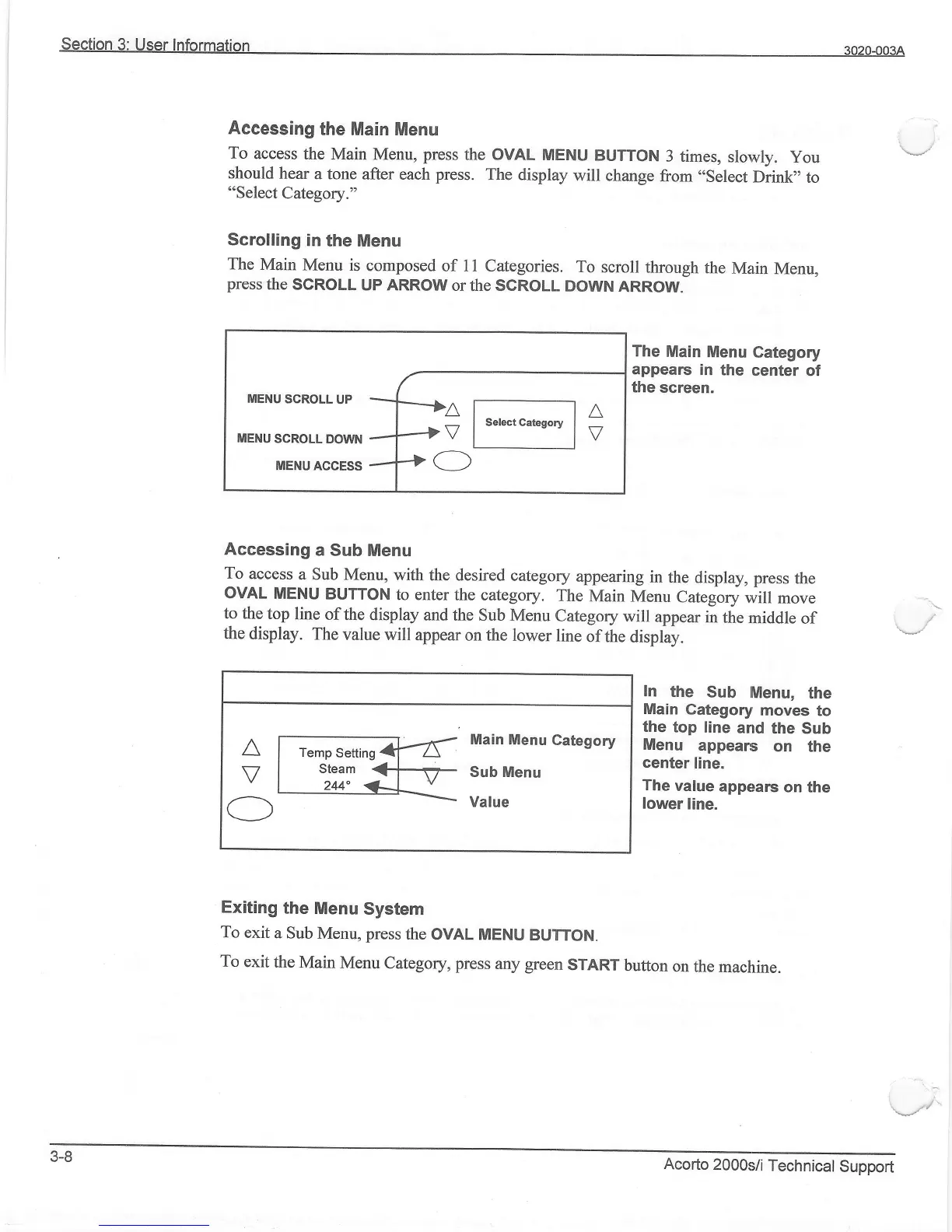
Accessing
the Main Menu
To
access
the Main
Menu,
press
the ovAL
MENU
BUTTON
3 times,
slowly.
you
\--l
should
hear
a tone
after each
press.
The display
will
change
from
"select
Drink'to
"Select Category."
Scrolling
in
the Menu
The
Main
Menu is
composed
of i 1 Categories.
To
scroll through
the
Main
Menu,
press
the
SCROLL
UP ARROW
orthe
SGROLL
DOWN
ARROW.
MENU
SCROLL
UP
MENU
SCROLL DOWN
MENU
ACCESS
a
[*------l a
Vlselectcateso"lV
\
The
Main
Menu
Category
appear
in the
center of
the screen.
In
the
Sub
lMenu,
the
Main
Gategory
moves
to
the
top line
and
the Sub
Menu
appears
on the
center
line.
The
value
appear
on the
lower
line.
Accessing
a Sub Menu
To
access
a sub Menu,
with the desired
category
appearing
in
the
display, press
the
ovAL
MENU
BUTTON
to enter
the category.
The
Main
Menu
category
onill
-oro"
\
to the
top line
of
the display
and the
Sub Menu
Category
will
appear
in
the
middle
of
,._r/
the
display.
The
value will
appear
on the lower
line
of the
display.
A
ffi
MainMenuGategory
l.
I
i;;lfi-v-;:,:,1""'
O
Exiting
the
Menu
System
To
exit
a Sub
Menu, press
the
OVAL MENU
BUTTON.
To
exit
the
Main
Menu
category, press
any green
srART
button
on
the machine.
3-8
Acorto
2000si/i
Technical
Support