3
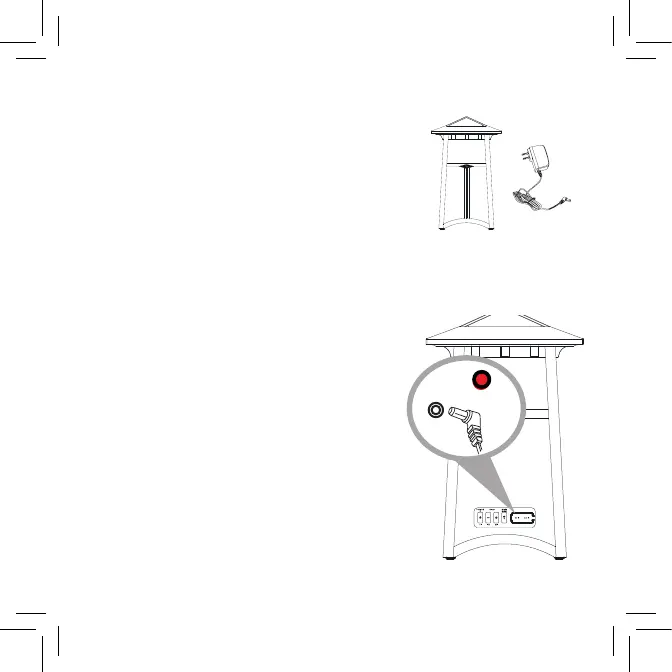
Make sure the following items came in this
package:
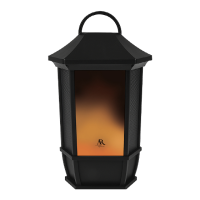
• (1) Portable Wireless Speaker with LED Candle
• (1) Power adapter
Unpack
Charge the speaker
Before you start using the speaker for the first time,
it’s a good idea to charge it completely.
To charge the speaker: Open the rubber door
covering the jacks on the back the speaker. Plug the
included power adapter into the DC IN jack behind
this door.
Plug the other end of the power adapter into a
power outlet.
The charging indicator is red while the speaker is
charging. It turns green when it’s fully charged.
Note: You can use the speaker while it’s charging.
Power
adapter
Speaker
Speaker back



 To Next Page