102 Copyright © Acronis, Inc., 2000-2009
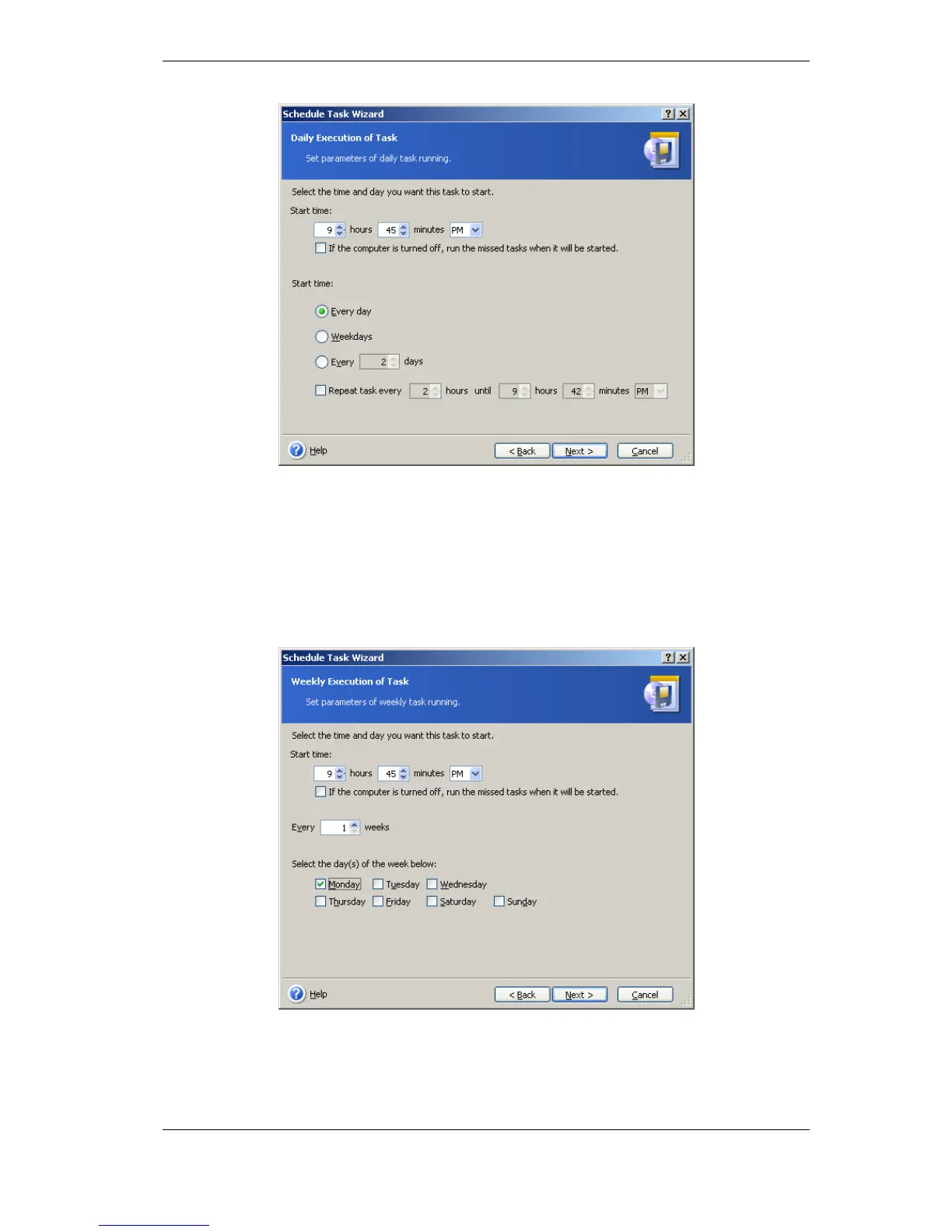
If the computer is off when the scheduled time comes, the task won’t be performed, but
you can force the missed task to launch at the next system startup by checking a box
under the Start time fields.
8.1.2 Setting up weekly execution
If you select weekly execution, set the Start time, specify the task execution periodicity
in the Every x weeks box (every week, every two weeks, etc.) and check the days on
which to execute the task.
If the computer is off when the scheduled time comes, the task won’t be performed, but
you can force the missed task to launch at the next system startup by checking a box
under the Start time fields.



 To Next Page