107 Copyright © Acronis, Inc., 2000-2009
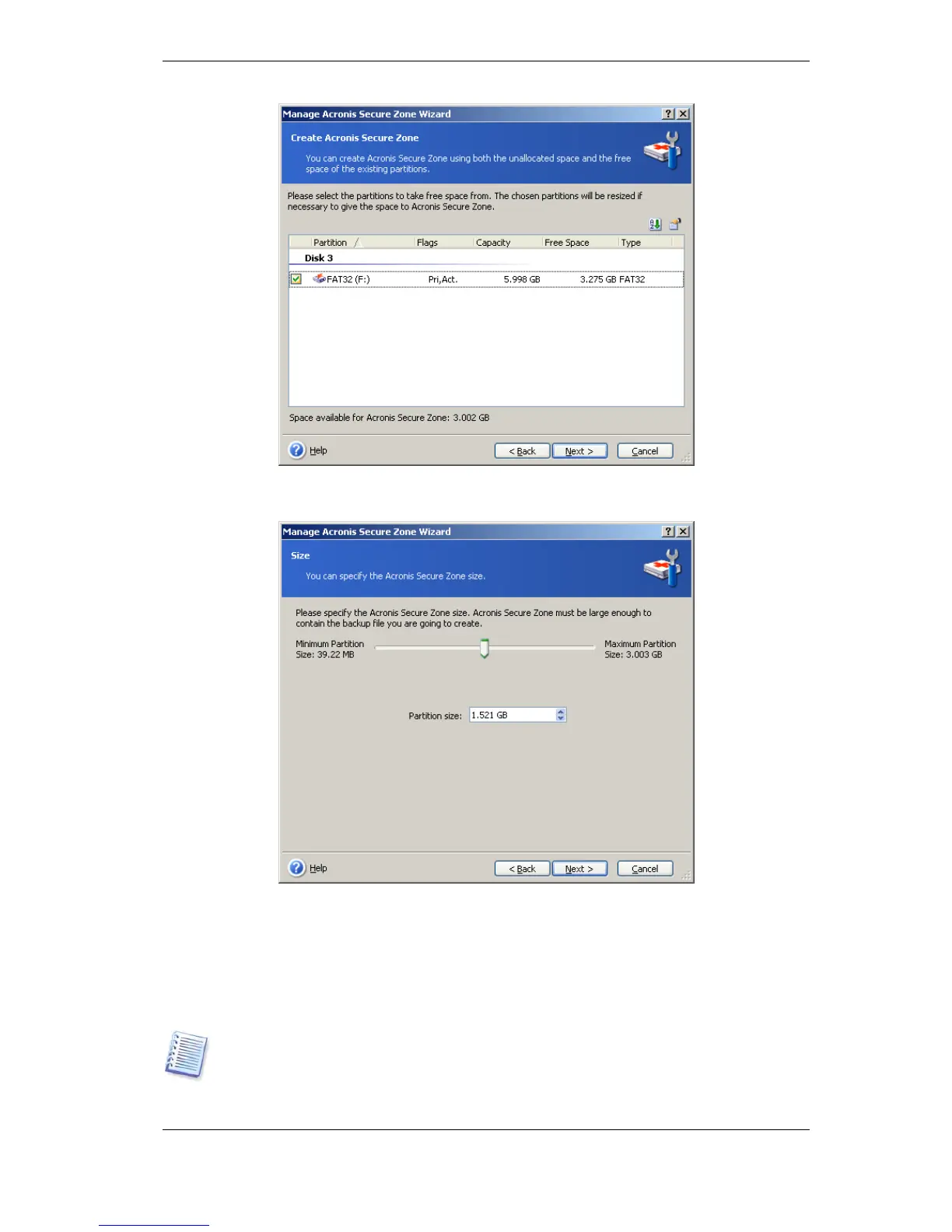
4. In the next window, enter the Acronis Secure Zone size or drag the slider to select any
size between the minimum and maximum ones.
The minimum size is approximately 35MB, depending on the geometry of the hard disk.
The maximum size is equal to the disk’s unallocated space plus the total free space on all
partitions selected at the previous step.
When creating the zone, the program will first use the unallocated space. If there is not
enough unallocated space, the selected partitions will be decreased. Partition resizing may
require a reboot.
Please keep in mind that reducing a system partition to the minimum size might prevent
your operating system from booting.



 To Next Page