154 Copyright © Acronis, Inc., 2000-2009
5. Consolidate backups
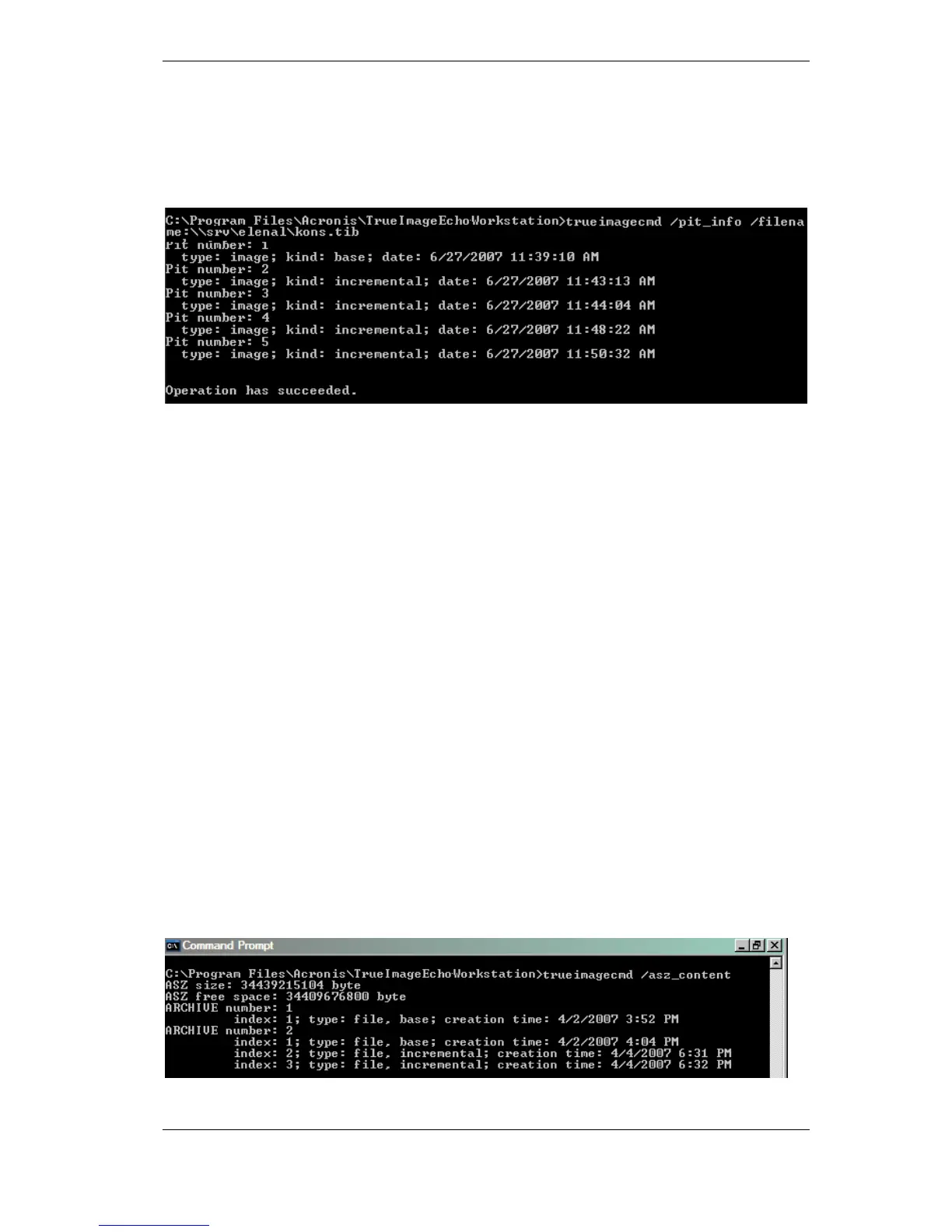
trueimagecmd /pit_info /filename:\\smbsrv\Archives\Kons.tib
• This will display the numbered list of backups, contained in the archive Kons.tib
residing on the network share \\smbsrv\Archives\.
trueimagecmd /consolidate
/filename:\\smbsrv\Archives\Kons.tib
/target_filename:D:\Kons_new.tib /include pits:2,4,5
• This will create on the disk D: an archive consisting of three files Kons_new.tib, (pit 2
of the archive \\smbsrv\Archives\Kons.tib, former \\smbsrv\Archives\Kons2.tib)
Kons_new2.tib (pit 4, former \\smbsrv\Archives\Kons4.tib) and Kons_new3.tib (pit 5,
former \\smbsrv\Archives\Kons5.tib).
6. Convert an image to virtual disk
trueimagecmd /convert /filename:C:\MyBackup.tib
/target_filename:C:\MyHDD.vmdk /vm_type:vmware /harddisk:1,3
• This will convert images of disks 1 and 3, contained in the file C:\MyBackup.tib, to the
virtual disks C:\MyHDD.vmdk and C:\MyHDD2.vmdk for using with VMware type
virtual machines.
7. List
trueimagecmd /list
• This will list available partitions.
trueimagecmd /list /asz
• This will list contents of the latest image located in Acronis Secure Zone.
8. Acronis Secure Zone: managing backups by archive numbers
trueimagecmd /asz_content
• This will list the Acronis Secure Zone size, free space and contents.



 To Next Page