20 Copyright © Acronis, Inc., 2000-2009
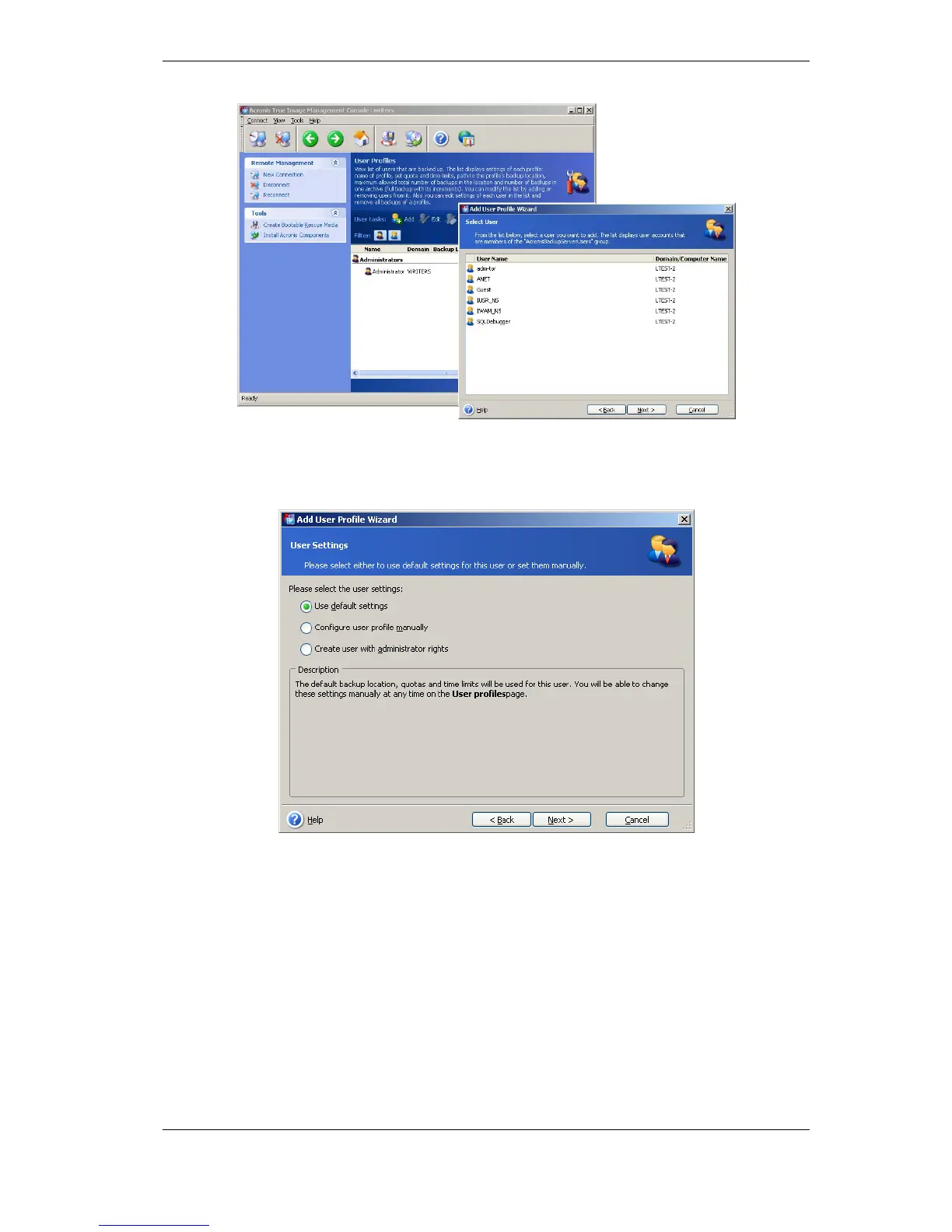
Select from the local backup server users or the domain users
Choose Create user with administrator’s rights.
Click Proceed.
User or administrator?
9. Define which users will be allowed to back up data on the backup server. Add the
users as follows:
Add the person’s local or domain account to the AcronisBackupServerUsers group on the
backup server.
Click Set up User profiles -> Add.
Choose the user name.
Choose Use default settings.
Click Proceed.
10. Define the computers which administrators will back up using Acronis True Image
Agents. Add the computers as follows.



 To Next Page