52 Copyright © Acronis, Inc., 2000-2009
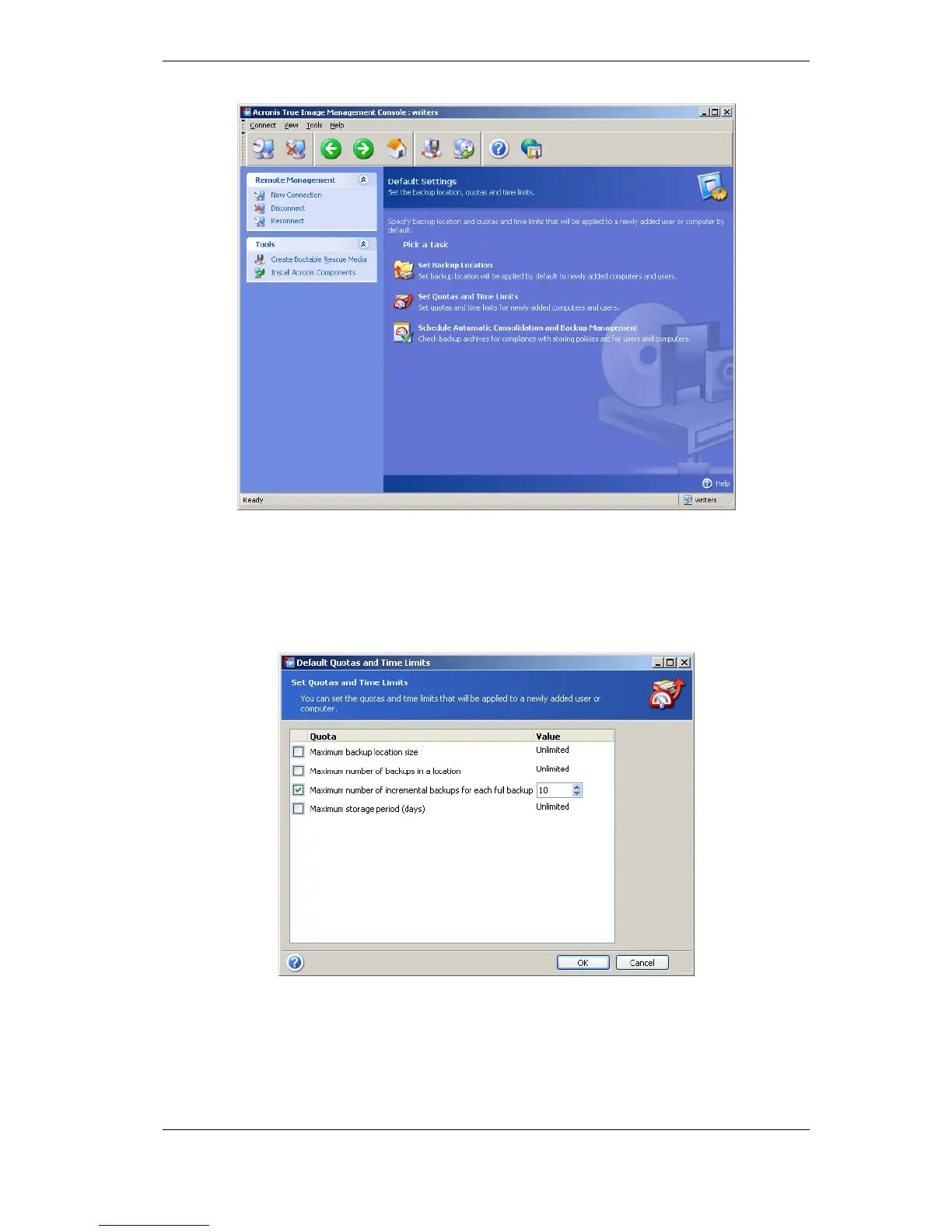
The default quotas/time limits are preset to Unlimited, except for Maximum number
of incremental backups for each full backup, which is set to 5 (the largest value of
this parameter is not limited, but it is recommended that you do not set unreasonably
large values).
You can change the default user/computer quotas/time limits by selecting Specify
Default Settings -> Set Quotas/Time limits and entering the desired values.
To enable Acronis Backup Server to process archives, schedule quotas/time limits check
task. Select Specify Default Settings -> Schedule Automatic Consolidation and
Backup Management and schedule one-time, daily, weekly or monthly check of all
user’s/computers archives on the backup server for meeting limitations. If the check
reveals that some of quotas/time limits are exceeded, the archive processing described in
3.5.2 Quotas and time limits for
computers and users
will be executed.



 To Next Page