55 Copyright © Acronis, Inc., 2000-2009
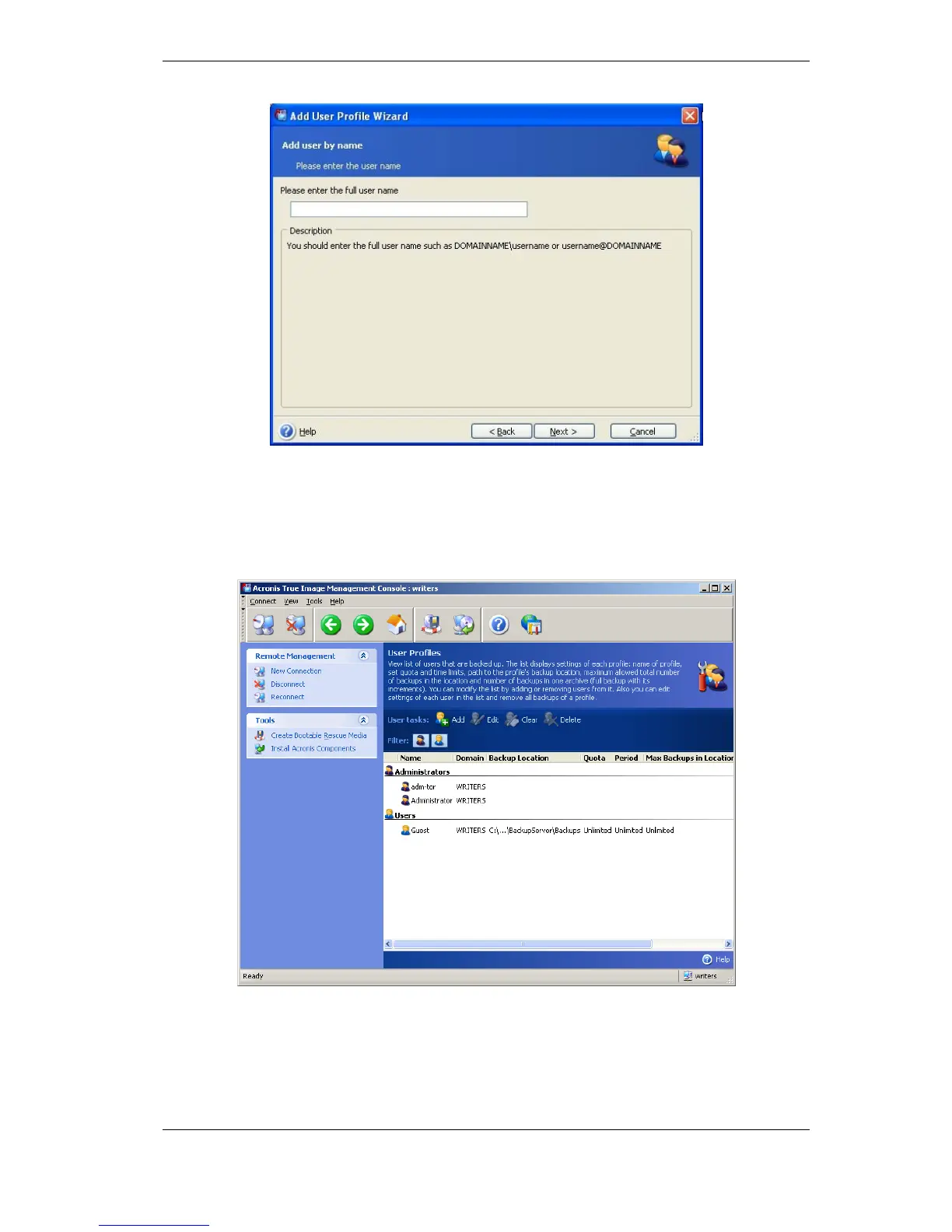
If you opted for picking the user name out of the domain user list, you will skip the above
window and proceed to the other windows where you will select the user name and
specify backup location, quotas and time limits for this user in Add User Profile Wizard
windows. Use the default backup location, quotas and time limits or make specific settings
for the new user. If you specify a new path to backup location for the new user, a new
backup location will be created.
To add another administrator, first add this person’s local or domain account to the
AcronisBackupServerUsers group. Then click Set up User profiles -> Add, select the
user name and choose Create user with administrator’s rights on the next page.
An administrator can manage all archives on the backup server regardless of their owner,
while a common user can only backup or restore his data from the backup server. An
administrator has no user profile, in other words, the administrator is not assigned a



 To Next Page