98 Copyright © Acronis, Inc., 2000-2009
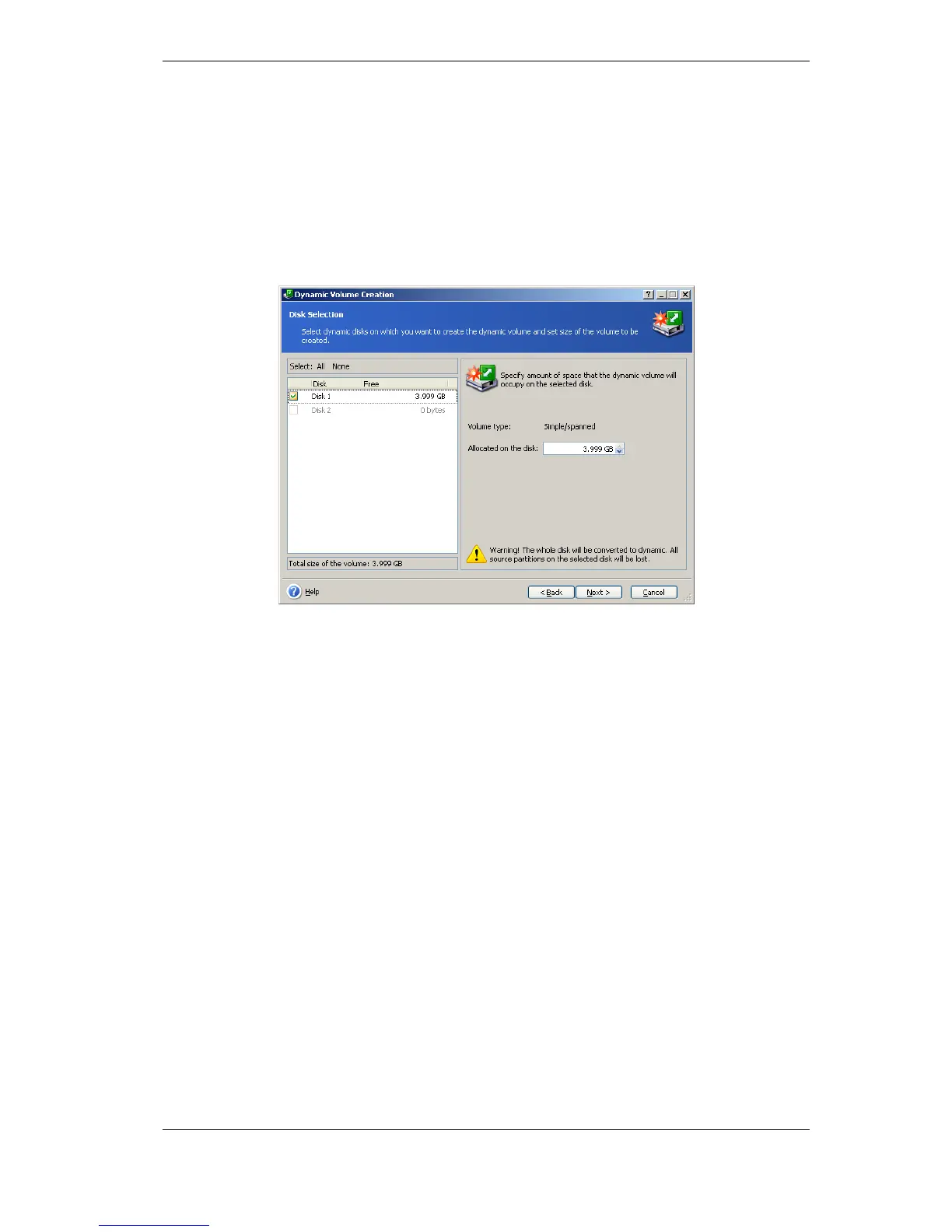
For a spanned volume, amount of space on each disk is selected independently. If only
one disk is selected, a simple volume is created.
Striped, mirrored and RAID 5 volumes imply even distribution of data between disks.
Therefore, the volume must occupy the same space on each disk. If you set different
values, your latest setting will be applied to all the disks. If the set value is more than
unallocated space on any disk, the minimal available space amount will be applied to all
the disks. The resulting volume size is displayed under the disk selection field.
At this step, you can deselect disks that you do not want to be included in the volume.
6. Click Proceed in the summary window.
On completion of operations, the dynamic volumes are unformatted and have no letters
assigned. You will be able to assign the letters using Windows Disk Management tool after
restoring Windows on the created volumes.



 To Next Page