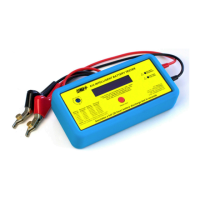
Operating Instructions
www.actmeters.com
7
STEP 4 Step Procedure
Hold the ACT CHROME perfectly still during its test procedure.
Any slight movement of the clips will cause low or erratic Ah
readings to be obtained. If necessary, repeat the test to conrm
the stability of the Ah reading. Check the Ah reading obtained
against the battery table on the side of the tester. Recharge or
replace the battery when the available Ah capacity falls below
65%. Record the readings obtained onto a label and attach to the
battery for future reference.
Be aware that...
a) The Ah capacity available is determined by battery temperature
and state of charge which can be up to 50% higher or lower than
stated.
b) A temperature sensitive strip is attached to the ACT CHROME
to assist in temperature measurement. Allow to acclimatise
before reading.
c) If ‘ALLOW TO COOL’ is displayed when testing multiple
batteries, allow the ACT CHROME time to cool down.


 To Next Page