6-2
USER MANUAL 750000992/16
Using the OTS module MTS
e
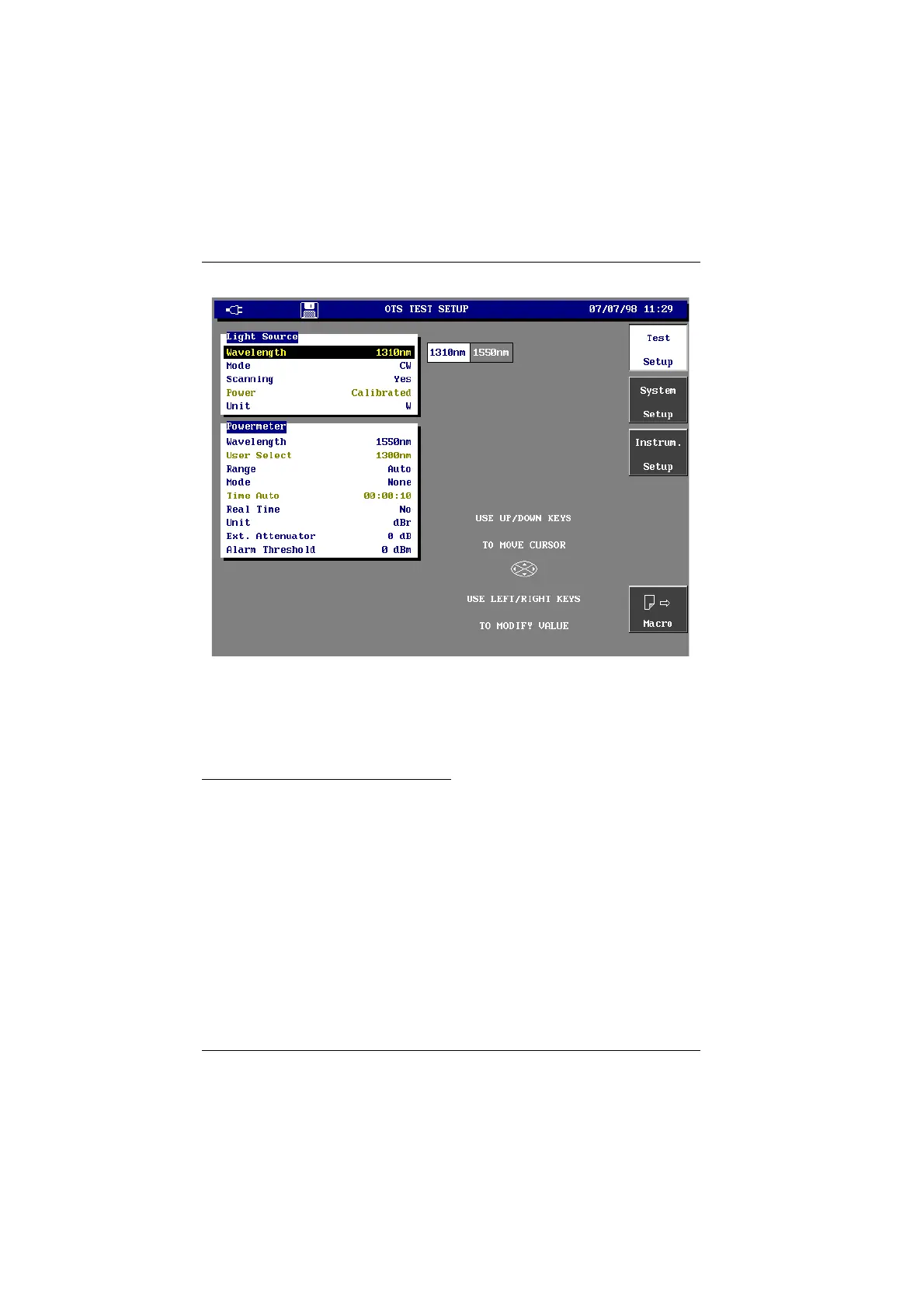
OTS TEST SETUP window (including light source and power meter)
In these windows, the selected parameter is high-lighted. Select this parameter
using the ↓ and ↑ directional arrows.
The available choices are displayed on the screen; these depend on the chosen
function. Make the required choice with the ← and → directional arrows.
Selecting Light source parameters
You can choose the following Light source parameters, from the Light Source
menu of the OTS Test Setup window:
Wavelength The required source:
1310 nm or 1550 nm for LASER source,
850 or 1300 nm for LED sources.
Mode Choose the transmission mode:
CW: Continuous signal.
270 Hz, 330 Hz, 1 KHz and 2 KHz: the source transmits a
modulated signal at the frequency selected.
Emul. OLS: to communicate with an Acterna OLS or OFI
instrument.
Scanning The source then switches every 10 seconds between the two
wavelengths and provides a signal indicating the
wavelength of the transmitted signal. When the Scanning
Artisan Technology Group - Quality Instrumentation ... Guaranteed | (888) 88-SOURCE | www.artisantg.com



 To Next Page