7-10
USER MANUAL 750000992/16
Optical spectrum analyser MTS
e
Table contents without statistics
In the absence of statistics (see "Detection parameters" on page 7-3), the
parameters given for each channel are as follows:
1. Channel number (the total number of channels is given in the first column
header).
2. Frequency or wavelength (Lambda) of the channel according to the chosen
unit.
3. Spacing between the channels in THz or nm.
4. Power level of the channel in dBm.
5. Noise level in dBm.
6. S/N ratio for the channel in dB.
7. Relationship between channel power and composite power (P/Pcomp) in %.
Table contents with statistics
If the test involves multiple acquisitions (2..100 mode or Continuous mode), then
statistics are conducted on the results. To display these results in the table, press
the <Cont Tab> key, then the <Statist.> key.
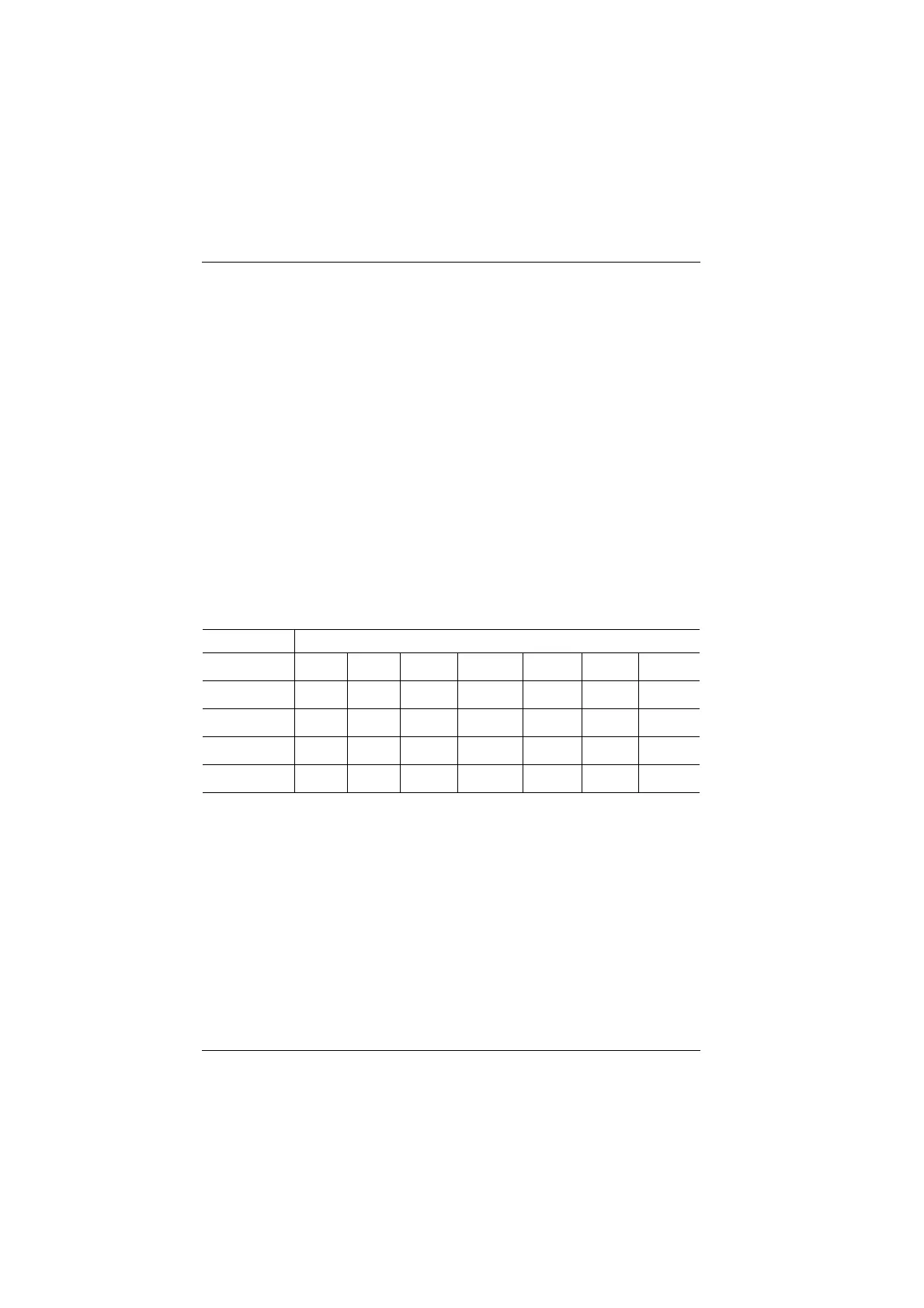
Five "Statistics" keys are then available to choose what will be displayed in the
table for each channel:
Press the <Exit> key to leave the Statistics menu.
Channel sort
The channels can be classified in the table in ascending order according to
frequency (or wavelength), level or S/N ratio.
To modify this order:
• Press the <Cont Tab> key, then the <Sort> key.
• Press the <Freq sort> key (or <Lambda sort> depending on the chosen unit),
<Level sort> or <SNR sort>.
Key Table Contents
No statist. Channel Freq. or
Lambda
Spacing Level Noise SNR P/
P comp
Freq or
Lambda Statist.
Channel Freq. or
Lambda
Spacing F or L Avg F or L
max
F. o r
Min L.
Sdev
a
F
or L
a. Standard deviation
Level Statist. Channel Freq. or
Lambda
L e v e l A v g . P. M a x P. M i n P. S d e v P
Mixed Statist. Channel Freq. or
Lambda
F or L
min
F or L Max Level P min P Max
Statist. SNR Channel Freq. or
Lambda
SNR Avg. SNR Max SNR Min SNR Sdev
SNR
Artisan Technology Group - Quality Instrumentation ... Guaranteed | (888) 88-SOURCE | www.artisantg.com


 To Next Page
 Loading...

