USER MANUAL 750000992/16
8-23
MTS
e
Formatting
Printing files
Renaming a file
To rename a file:
• Move the cursor on the filename to change as described above (see "Finding
files" on page 8-18)
• press the <Rename> key: the Editing menu appears. You can then enter the
new name (see "Editing" on page 4-5).
Formatting
The internal RAM memory cannot be formatted.
Formatting a floppy disk (if installed)
Use the following procedure to format a 3 1/2 inch HD floppy disk:
1. Insert a 3 1/2 inch HD floppy disk in the disk drive.
2. Press the
FILE key.
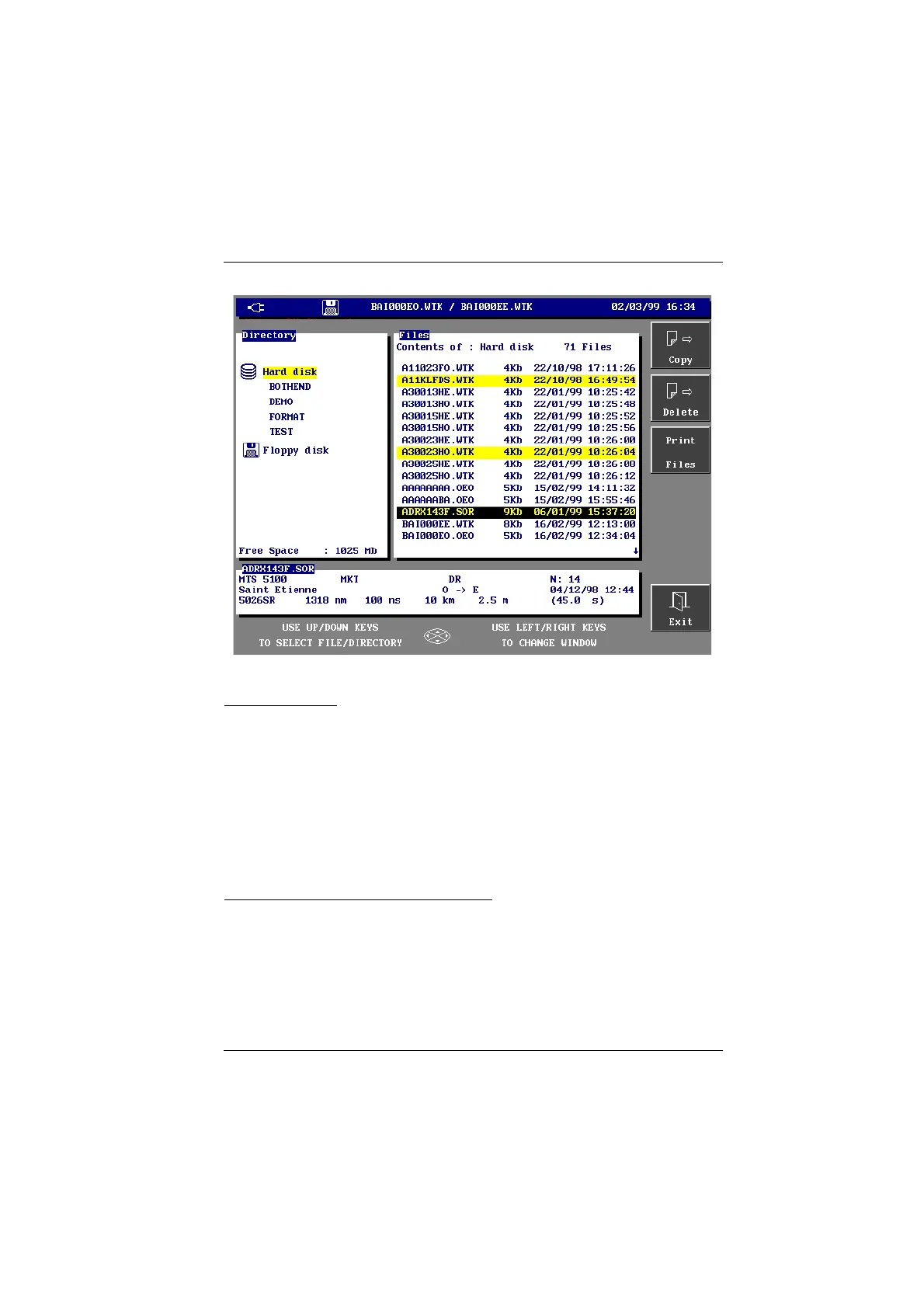
The File manager window appears.
3. Move the cursor on the media line and select the floppy disk option in order
to display the <Format> key.
Artisan Technology Group - Quality Instrumentation ... Guaranteed | (888) 88-SOURCE | www.artisantg.com



 To Next Page