4-8
USER MANUAL 750000992/16
MTS
e
Controls MTS
e
Editing a text from the external keyboard
To edit a title or an identification in the setup menu or a remark in the table of
results, using the external keyboard :
• press Enter to open the edition menu.
• enter the text
• press
Enter to quit the editing menu
• The ESC key allows to quit the editing menu without recording the text
Edition of a comment in the File menu
• Move down the cursor to the Comments windows
• Press enter to open the Edition menu
• edit the text (3 lines of 18 characters max.)
• press enter to go to the next line
• use the ↑ and ↓ keys to go from on line to the next or the preceding
• on the third line, press enter to quit the editing menu and store the text.
• Press the Esc key to quit the editing menu without storing the text.
Rear panel
The rear panel contains the following elements:
• the mains power adapter socket for charging the batteries,
• the floppy disk drive (optional)
• the RS 232 connector
• the Centronics connector for the external printer or keyboard connection
• the optical module or modules
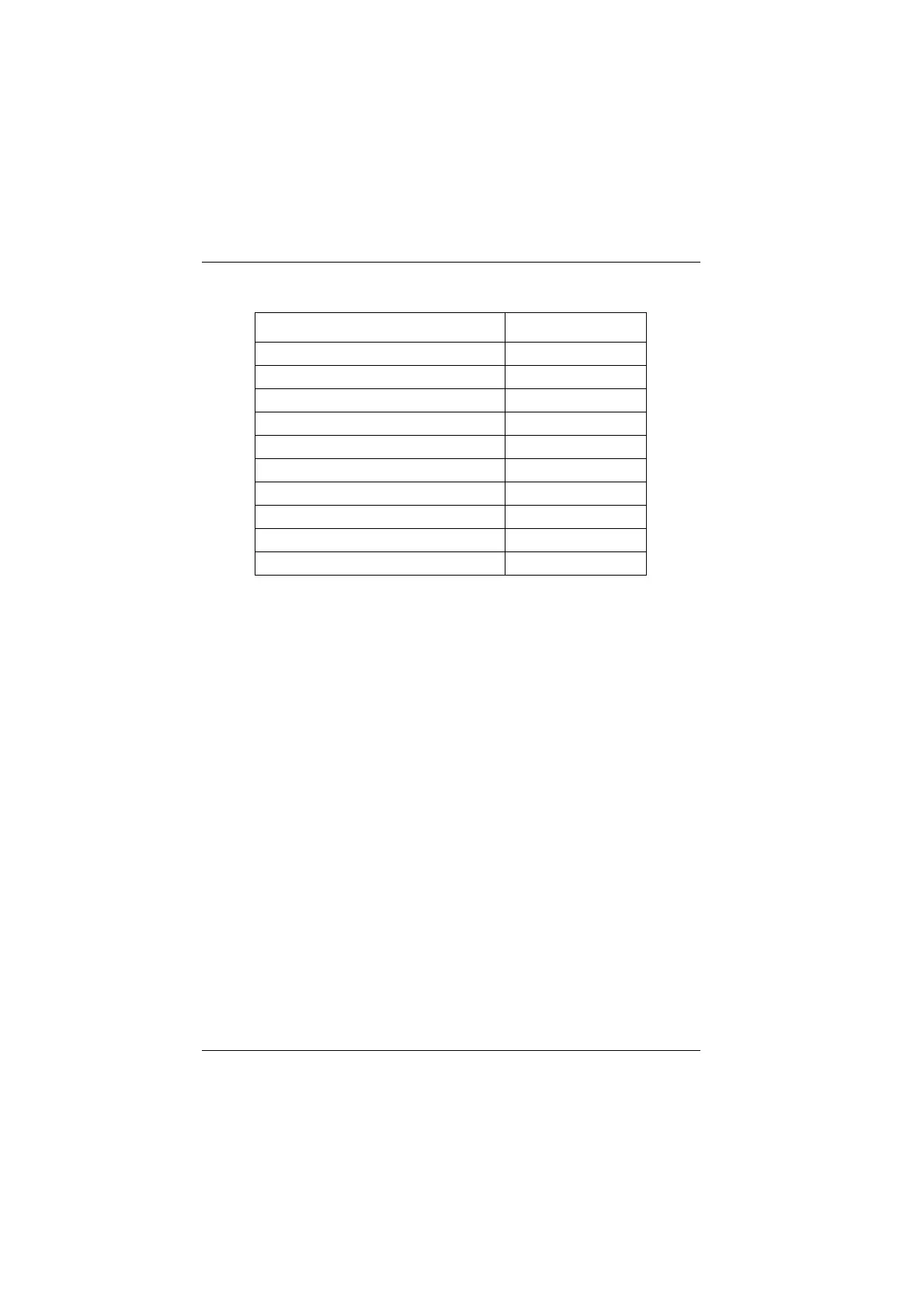
Function External keyboard
Help
Ctrl + H
Print
Ctrl + P
File
Ctrl + F
Results
Ctrl + R
Start/Stop
Ctrl + S
Set-Up
Ctrl + U
← ↑ → ↓ ← ↑ → ↓
Softkey 1 to 6 (from top to bottom) F1 → F6
Exit
Enter
Abort
Escape
Artisan Technology Group - Quality Instrumentation ... Guaranteed | (888) 88-SOURCE | www.artisantg.com


 To Next Page
 Loading...

