Hardware Manual
12
Indoor Installation Procedures
This section describes the procedures in installing the camera indoors using PMAX-1105 indoor
bracket (purchased separately).
When using brackets from other manufacturers, check the installation guide included in the
bracket to install the camera. Similar procedures apply when using brackets from other camera
manufacturers.
NOTE: Some pictures in this documentation only show one type of camera lens; this means that
the procedures are applicable to other types of lens, unless specified otherwise.
Step 1: Attach the Camera Lens
NOTE: To avoid scratches or leaving fingerprints on the lens, it is recommended to retain the
protective cap covering the lens until the camera is completely installed.
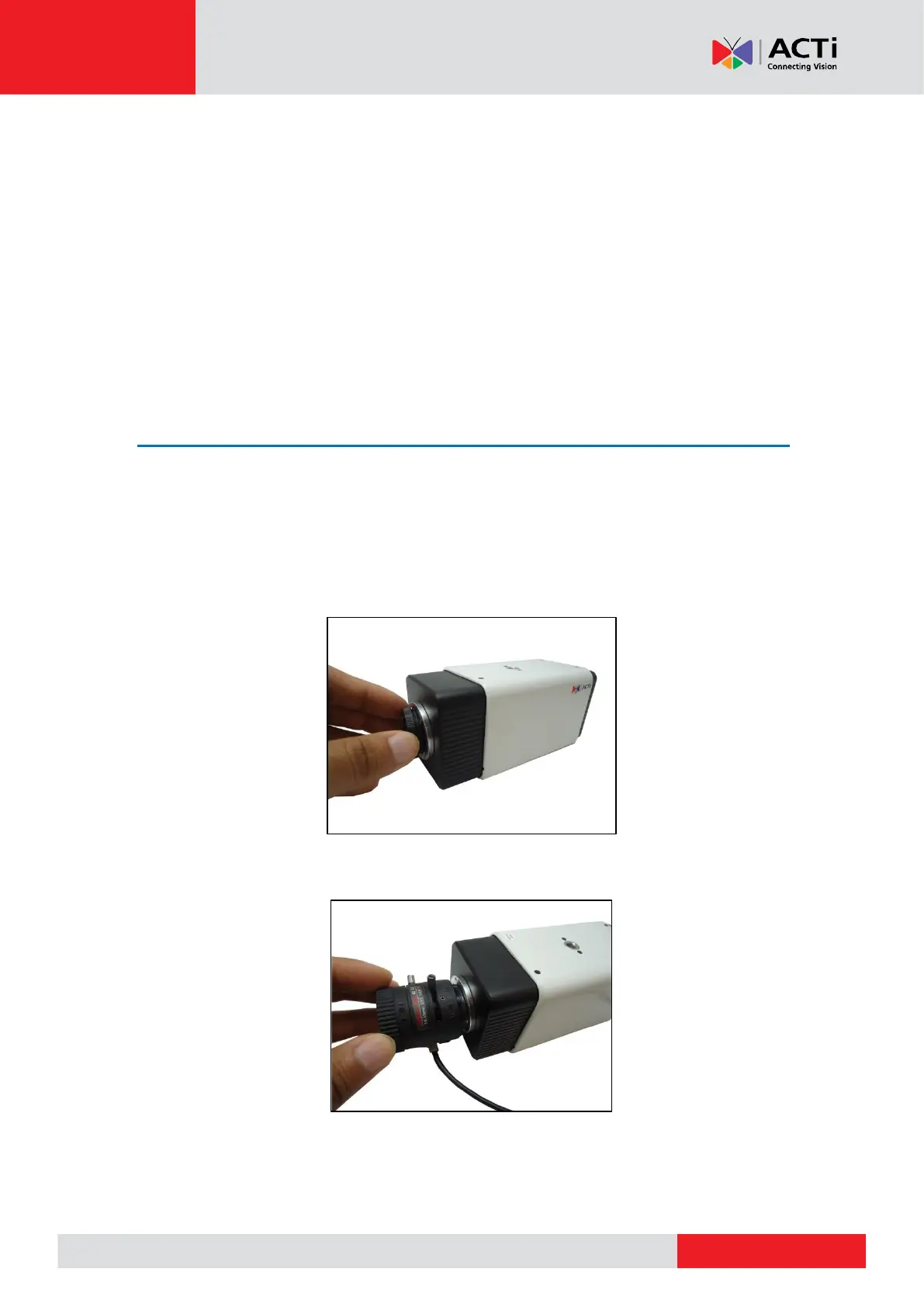
1. Unpack the camera and check the bundled camera lens.
2. Unscrew the cap covering the camera lens holder.
3. Attach the lens to the camera.



 To Next Page