Hardware Manual
13
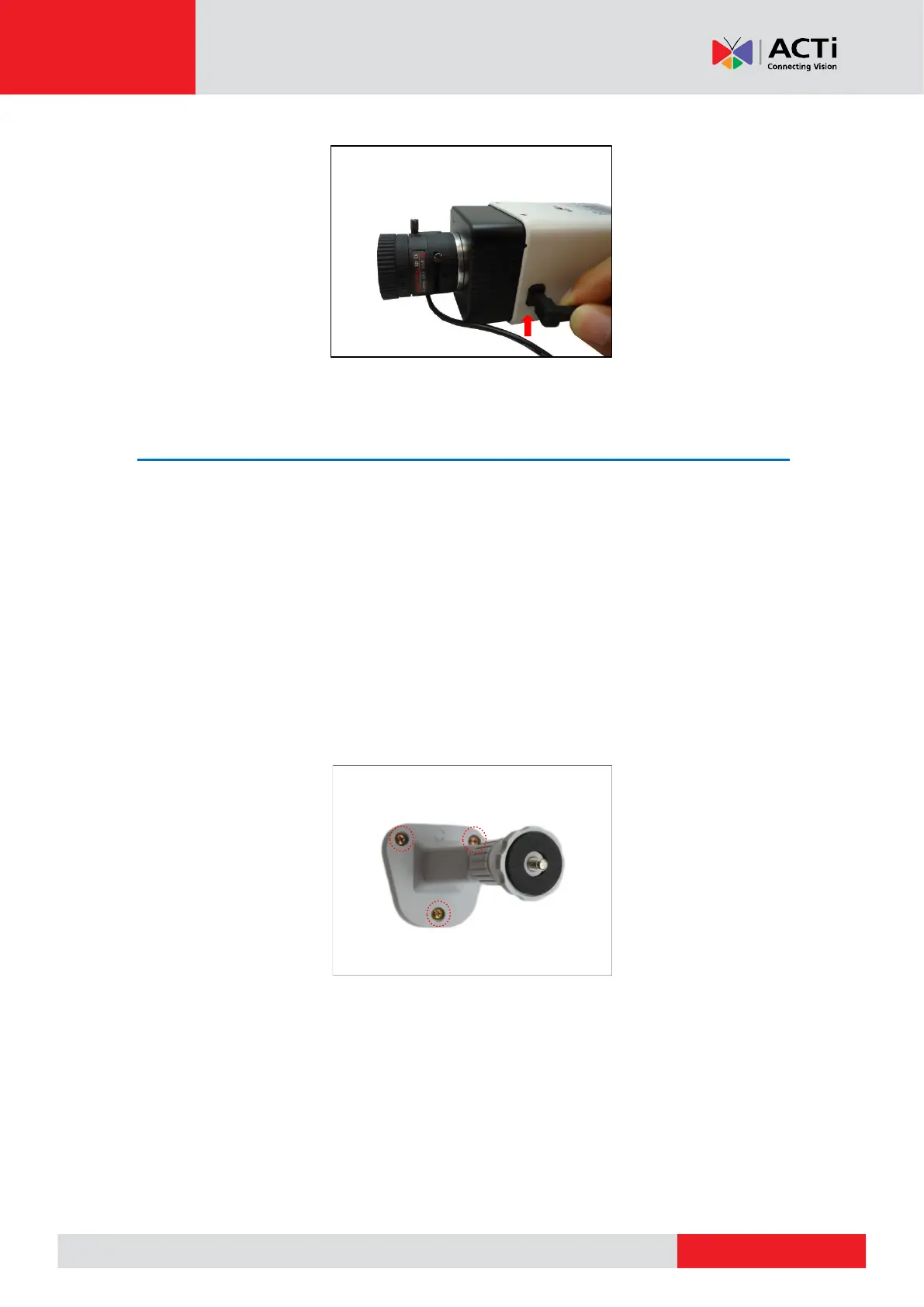
4. For cameras models A23 and A24, connect the lens cable to the iris port.
Step 2: Mount the Indoor Bracket
NOTE:
• The indoor bracket is not included in the camera package and must be purchased
separately.
• The pictures on the succeeding pages are for reference only, camera labels and
appearance may vary depending on camera model.
Before installing the bracket, make sure the ceiling or wall can bear more than the weight of the
camera and its accessories.
Install the indoor bracket to the ceiling or wall using the three (3) screws included in the bracket
package.



 To Next Page