Hardware Manual
14
Step 3: Attach the Camera to the Bracket
NOTE: The following images show the mounting bracket attached on the bottom side of the
camera. Same procedures apply when attaching the mounting bracket on the top side.
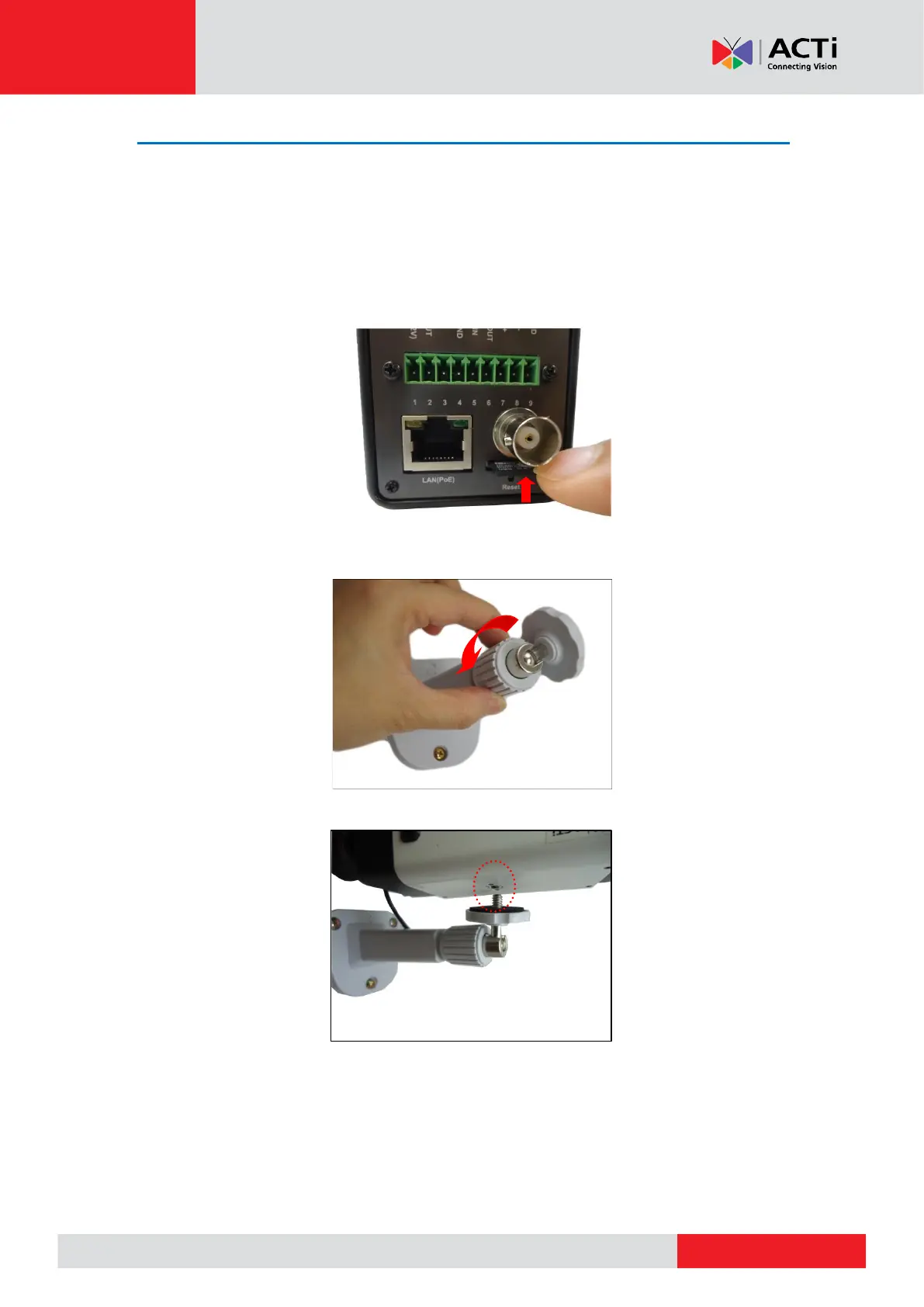
1. If necessary, insert a memory card into the memory card slot of the camera with the metal
contacts facing the Reset button. Push until the card clicks into place. See How to Install /
Remove the Memory Card on page 25 for more information.
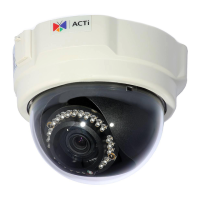
2. Slightly loosen the knurled knob.
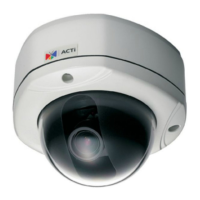
3. Screw the camera to the bracket.



 To Next Page