Hardware Manual
24
Other Adjustments and Accessories
How to Adjust the Viewing Angle and Focus (A23, A24)
This section describes the procedures in adjusting the viewing angle and focus of the vari-focal
cameras. The camera already comes pre-focused when you take it out the box. In case there is a
need to modify the default focus and viewing angle, do the procedures below to make the
necessary adjustments.
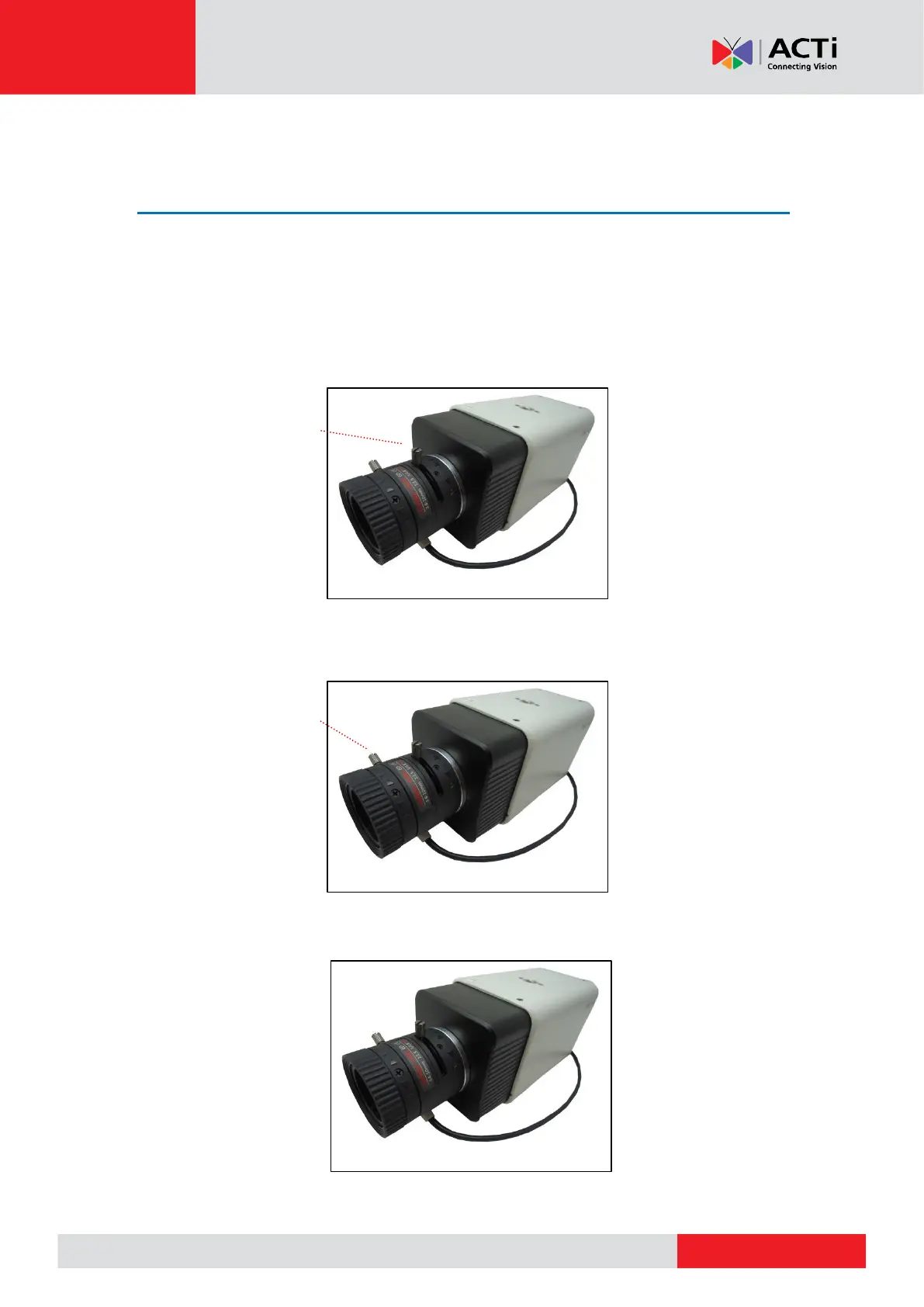
1. Loosen the zoom lever screw, then turn left or right to adjust the viewing angle.
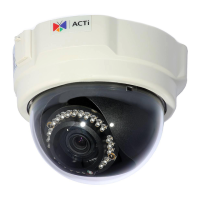
2. Loosen the focus lever screw, then turn left or right to adjust the focus.
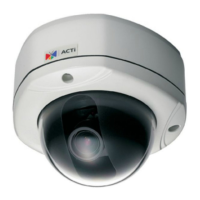
3. When done, tighten the lever screws to fix their position.



 To Next Page