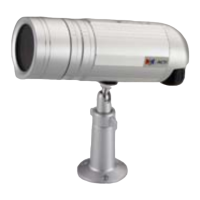
ACM-3011 Hardware User’s Manual
8
Physical description
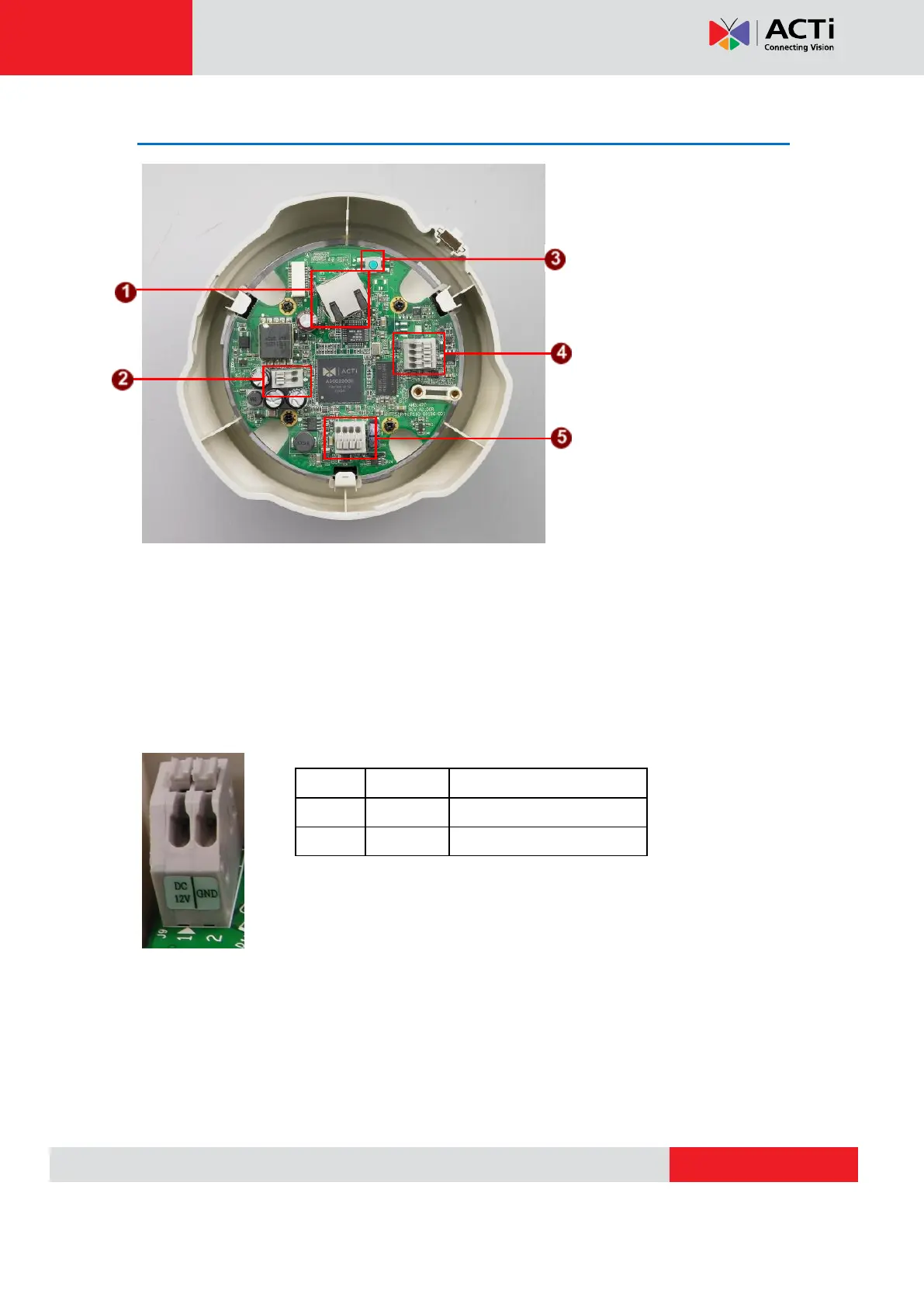
1) Ethernet Port
The IP device connects to the Ethernet via a standard RJ45 connector. Supporting NWAY, this IP
device can auto detect the speed of local network segment (10Base-T/100Base-TX Ethernet).
2) Power Input
Connect the power adaptor here if your power input is DC12V.
3) Reset Button
Step 1: Switch off IP device by disconnecting the power cable
Step 2: Press and continue to hold the Reset Button (with a sharp tipped object, like a pen.)


 To Next Page