1-3
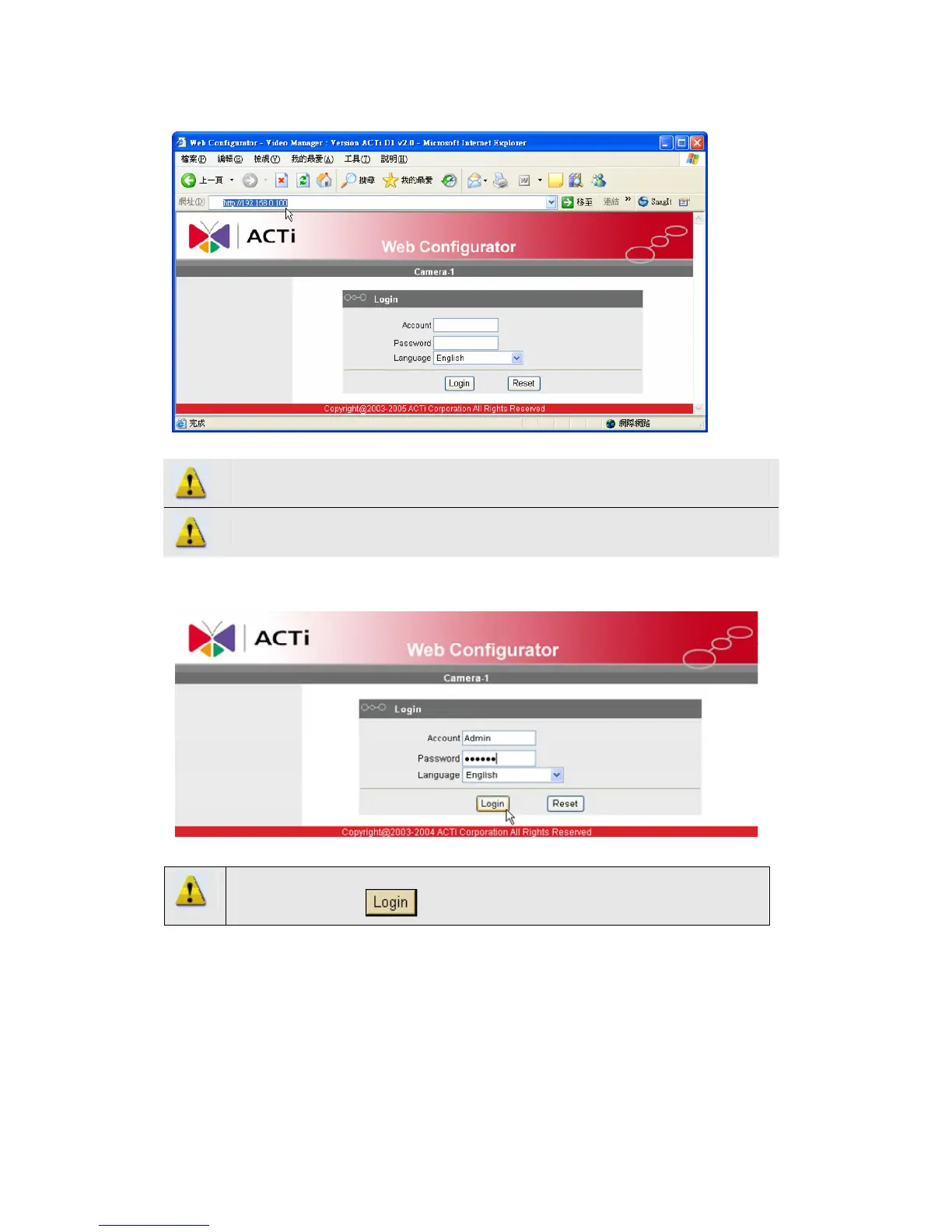
2.1.2 Open Internal Explorer with IP address
NOTE: If your web browser is earlier than IE6, then download IE6 is
recommended.
NOTE: This IP device default IP address is set to 192.168.0.100
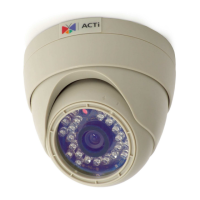
2.1.3 Login with default administrator’s account & password
NOTE: Default administrator account is set to Admin, password is set to
123456, and click button.



 To Next Page