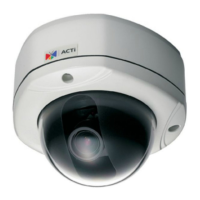
1-2
1 Quick Tour
This section guides you with a quick tour on this IP device.
2.1 Configure this IP Device
2.1.1 Make sure network environment
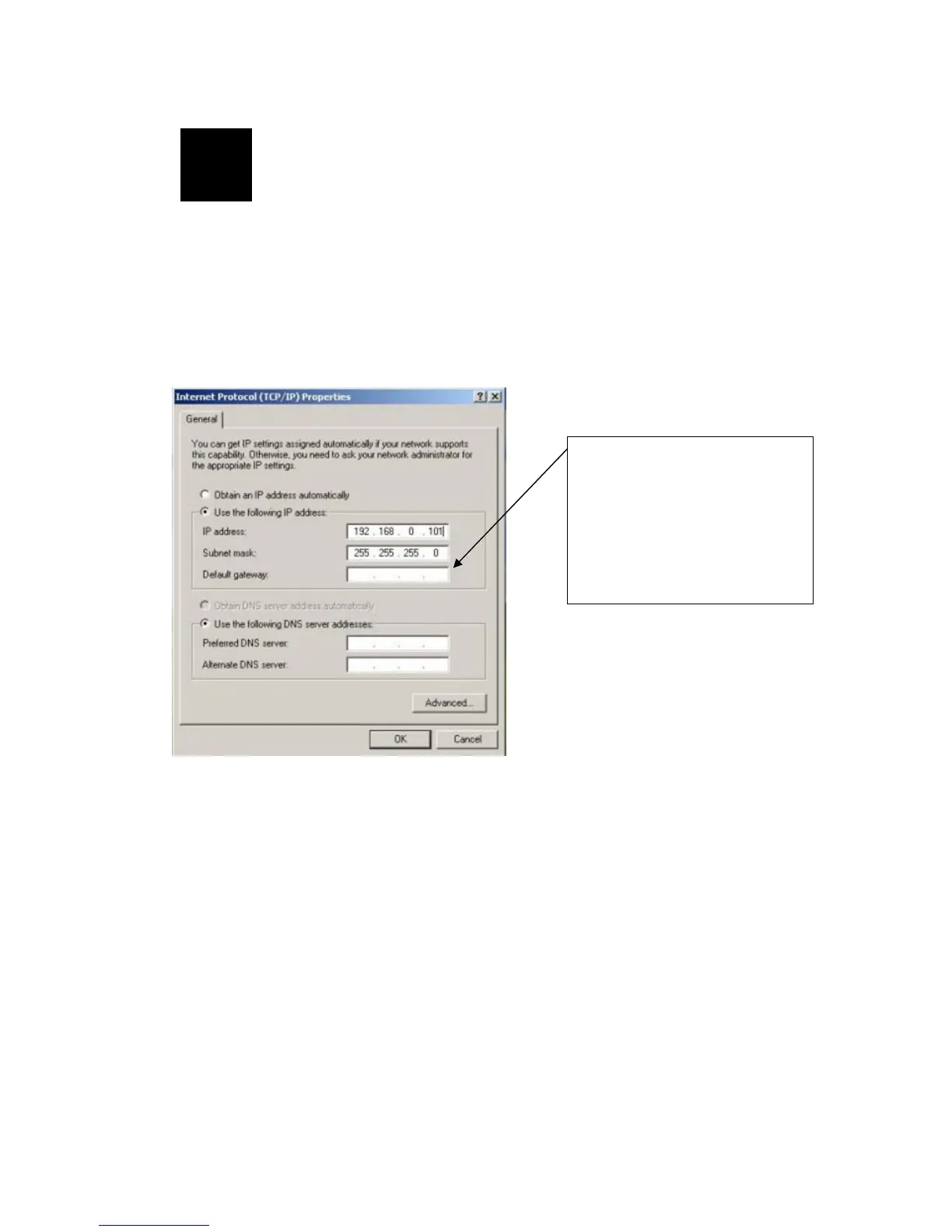
Default IP of this IP device is 192.168.0.100. Please make sure this IP device and
your PC are on the same network segment before running the installation.
2
Please set the settings as below.
IP address: 192.168. 0.xxx
Subnet mask: 255.255.255. 0
(NOTE: xxx should be a number
from 1 to 254, but 100 is
excepted.)



 To Next Page