Hardware Manual
25
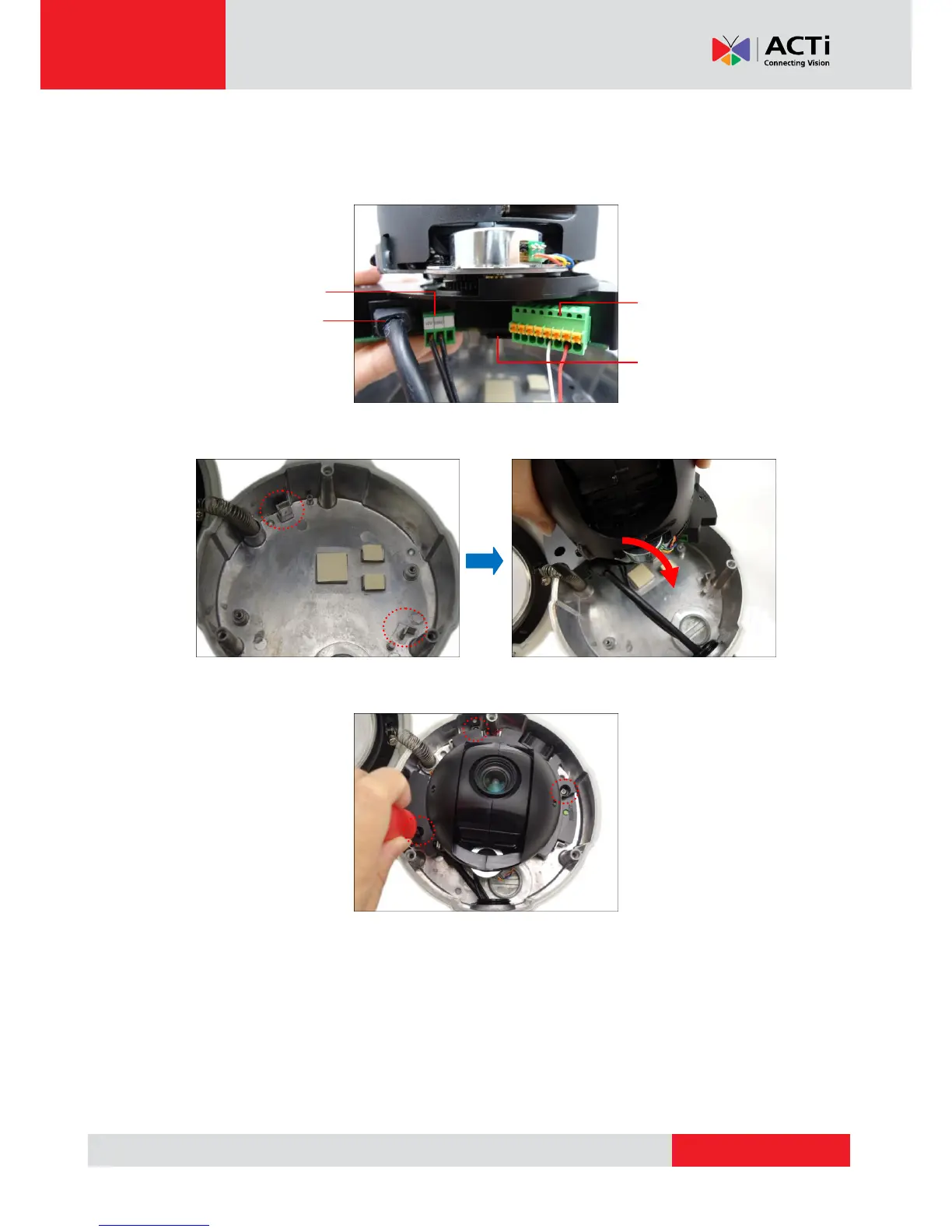
10. Connect the network cable to the Ethernet port and other cables (if any) to the corresponding
connectors on the camera. If necessary, install also the memory card at this point (for
B94~B97 models).
11. Align the camera module to the guide on the housing.
12. Tighten the three (3) screws to secure the camera module to the housing.
13. Proceed with Step 4: Install the Camera to the Surface on page 26.



 To Next Page