EasyManua.ls Logo

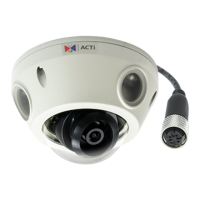
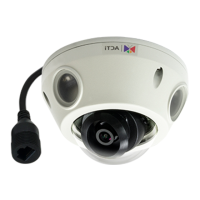
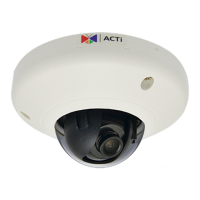
ACTi E933M - User Manual

ACTi E933M
4 pages
Print Icon
To Next Page IconTo Next Page
Loading...
Quick Installation Guide
This guide contains the basic information you need to quickly setup the
Camera. For detailed information on installations or operations, please refer
to the Hardware Manual and Firmware Manual on ACTi website
(www.acti.com).
Step 1: Unpack the Device
Check the camera package and make sure all items are present. The
complete package list is shown on the camera Hardware Manual.
Step 3: Connect the Device
Basic Connection Example
Camera
Step 2: Mount the Device
Mounting varies per camera model. Check the most suitable mounting
method from the Hardware Manual or from our Mounting Accessory
Selector Tool (www.acti.com/mountingselector).
PC
Power Source
PoE Switch
Camera
Camera Camera Camera Camera Camera
Available from A1 Security Cameras
www.a1securitycameras.com email: sales@a1securitycameras.com
Question and Answer IconNeed help?

Do you have a question about the ACTi E933M and is the answer not in the manual?

ACTi E933M Specifications

General IconGeneral
ModelE933M
Form FactorDome
Wired ConnectivityEthernet
Max. Resolution1920 x 1080
Lens TypeFixed
ApertureF2.0
Video CompressionH.264, MJPEG
Ingress ProtectionIP66
Device TypeSecurity Camera
Sensor TypeCMOS
Resolution1920x1080
Focal Length2.8 mm
Minimum Illumination0.1 lux @ F2.0
Day/NightYes
Frame Rate30 fps
Network Interface10/100 Ethernet
Power SupplyPoE
Operating Temperature-20°C to 50°C

Related product manuals