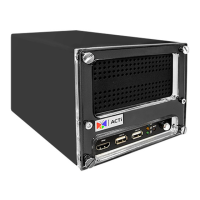
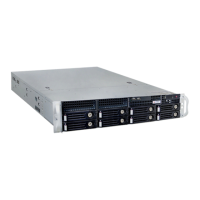
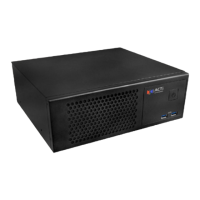
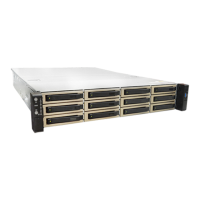
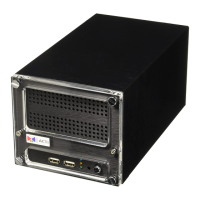
8 Standalone NVR Quick Installation Guide
LOG IN
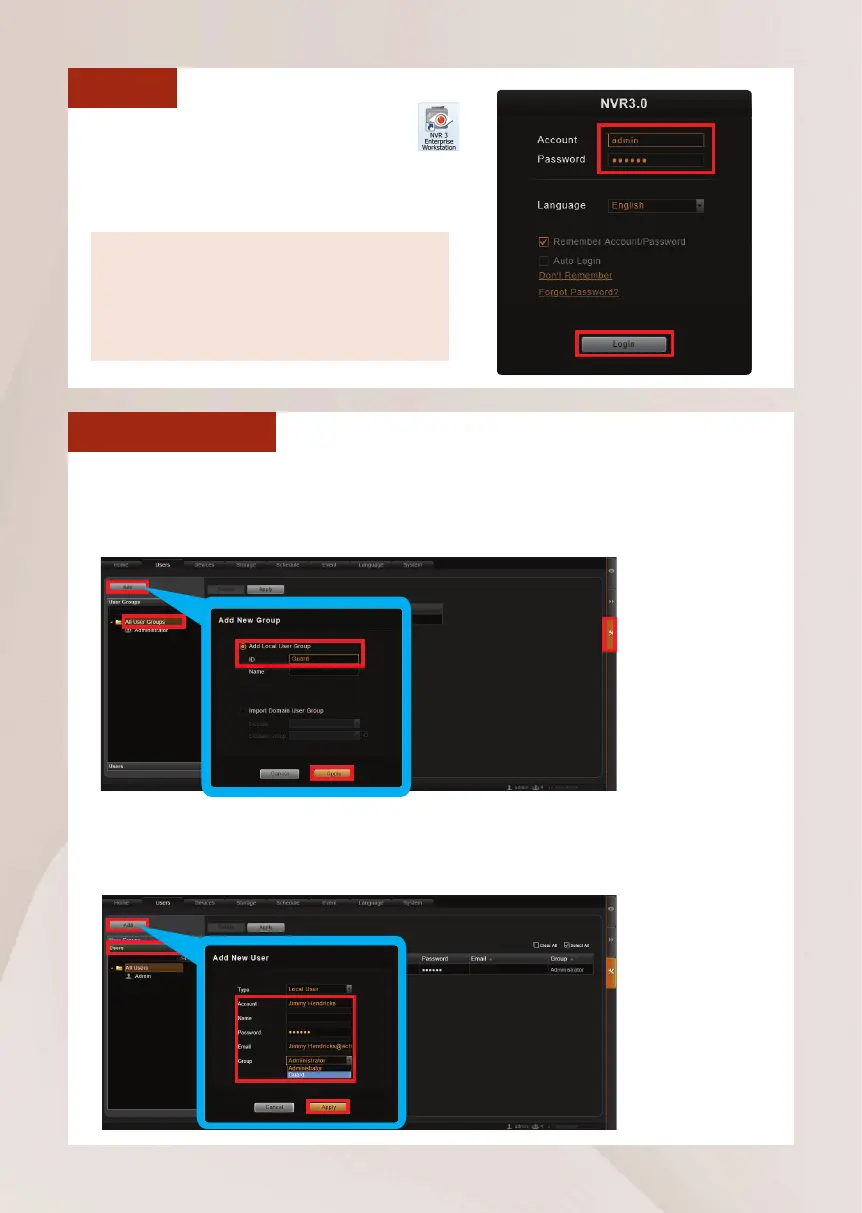
On Windows Destop, double-click on
to enter NVR interface. Input the default
account and password to log in.
Account: admin
Password: 123456
“123456”isthedefaultpasswordofNVR
system administrator’s user account. For
security reasons, please remember to change it.
CREATE USERS
On NVR screen, click Setup button to enter Setup page and then Users tab.
1. Select “User Groups”, click “Add” to start adding a new user group.
2. Input group ID and click “Apply”.
3.Click on the title bar of Users panel, click “Add” to start adding a new user.
4. Input user’s Account, Password, Email address and select its User Group,
and then click “Apply”.


 To Next Page