9
Chapter 2 Installing the USB Wireless Bluetooth Adapter
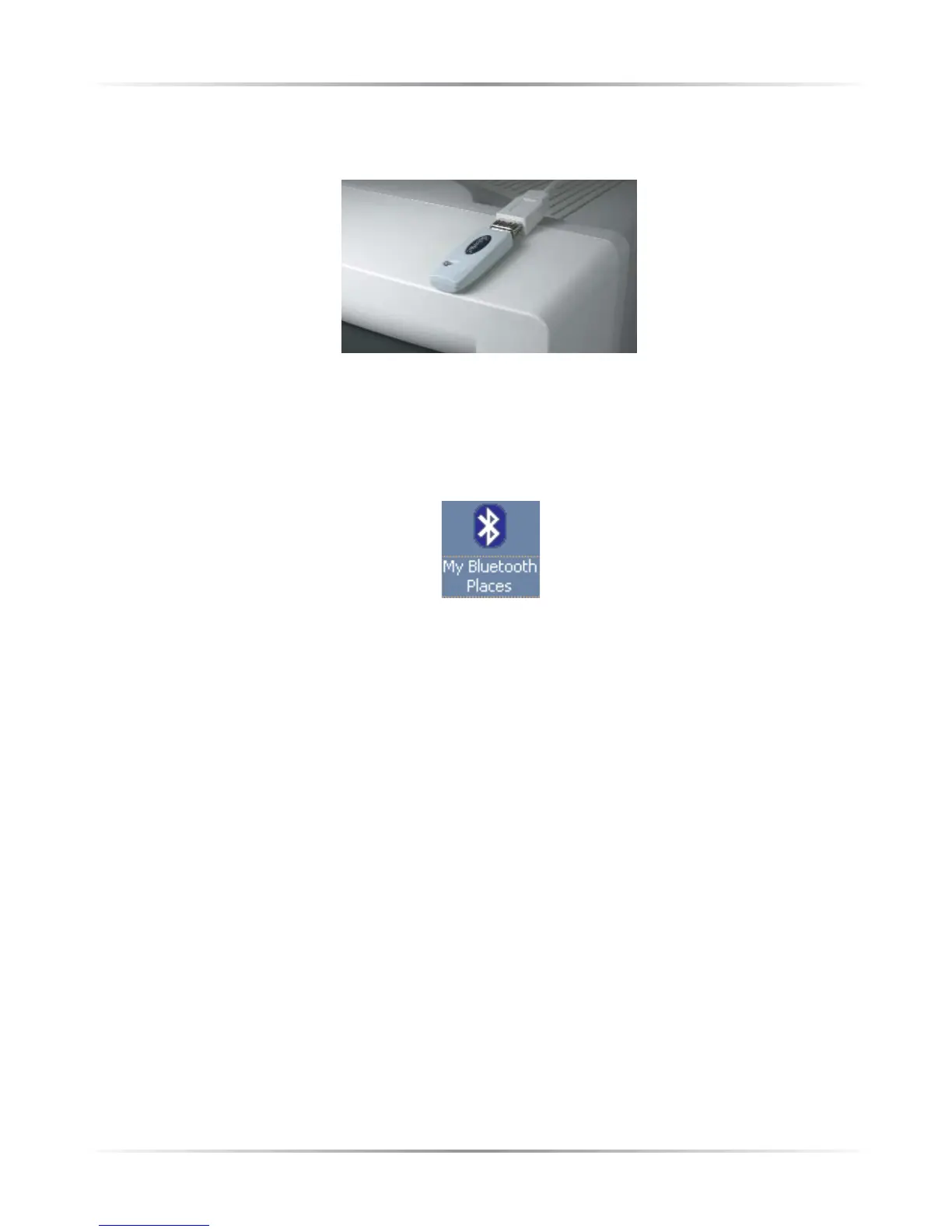
d.) Set the Bluetooth Adapter on top of your monitor where it can receive a clear
signal.
4. Make sure the light on the Bluetooth Adapter is SOLID GREEN.
Congratulations, you have successfully installed the Actiontec USB Wireless
Bluetooth Adapter. To begin using your Bluetooth Adapter, doubleclick on the
“My Bluetooth Places” icon that appears on your desktop.



 To Next Page