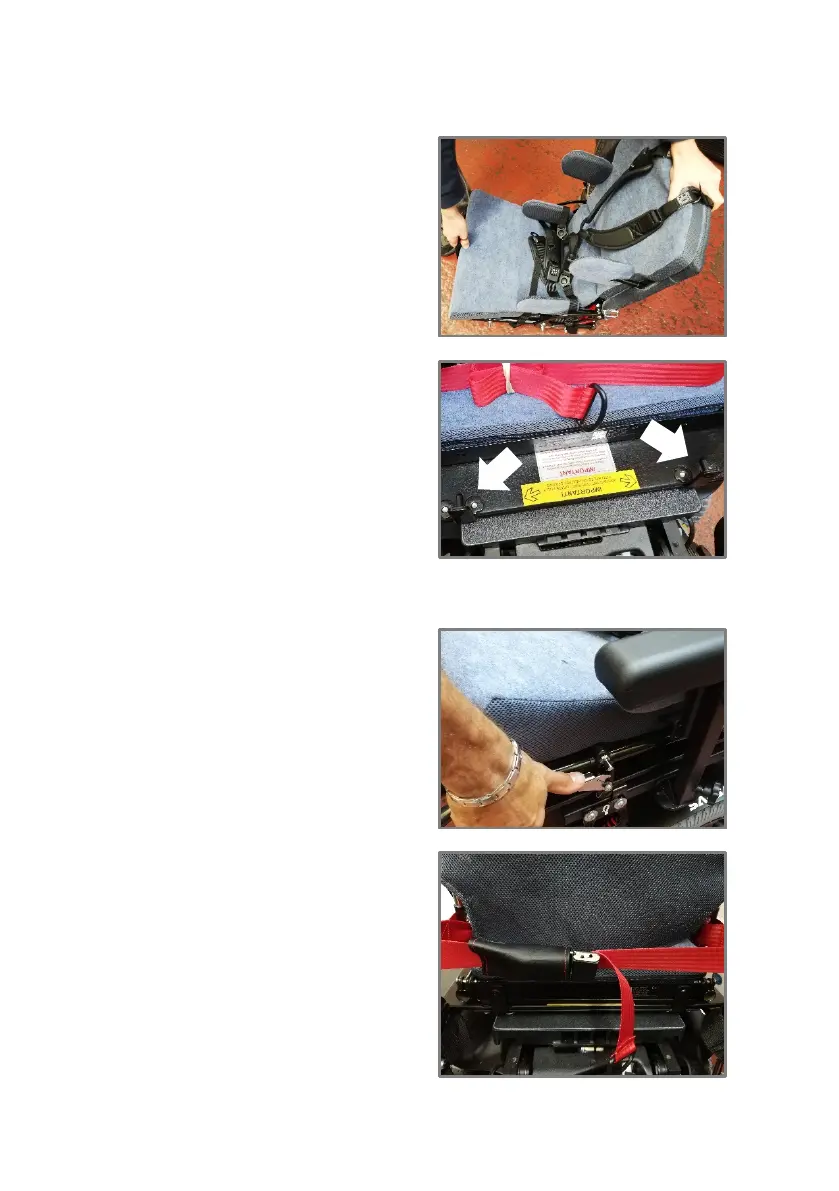
Standing at the side, hold the
front carry handle and the
rear of the seat, lift the seat
unit. Take care when lifting a
heavy weight.
Engage the pins at the rear of
the interface board into the
holes on the rear of the
seating system
Fully slide the seat unit back into place
Locate the pins at the front of
the interface board into the
catch and ensure they fully
engage.
Secure the red seat retaining
strap around the push handles
of the wheelchair.



 To Next Page