The information from stored work pieces can be transferred onto a Mac or PC using the
USB cable.
1. Ensure your CoxOrb is turned o and then press ‘RECALL’ until ‘USB’ is displayed.
2. Connect the USB cable supplied to the USB port on your computer and to the connector
on your CoxOrb. Your CoxOrb will appear as a removable drive in My Computer on
Windows computers and as a mounted volume on Mac computers.
3. Copy les to your computer in the normal way.
4. Delete any les o the CoxOrb that you don’t want left on it.
To open graphs of your uploaded data you must have Excel installed on your Mac or PC
and have downloaded the Platinum Excel template le from the support page of our
website www.active-tools.com
1. Open the Excel template le (note Excel may ask you if it is safe to enable macros on this
document).
2. When opening the template le you will be prompted to import a Graph File. Locate the
folder that contains your CoxOrb .CSV Graph Files and select the one you wish to view.
3. Once you have selected a le your graphs will be automatically generated and displayed
in separate workbooks. There is also a workbook that contains the raw data.
4. Save your le, making sure to change the le name so as not to overwrite the template
le and repeat steps 1-3 for any other graph les you wish to view.
Data and Audio Upload
Opening Uploaded Data in Excel
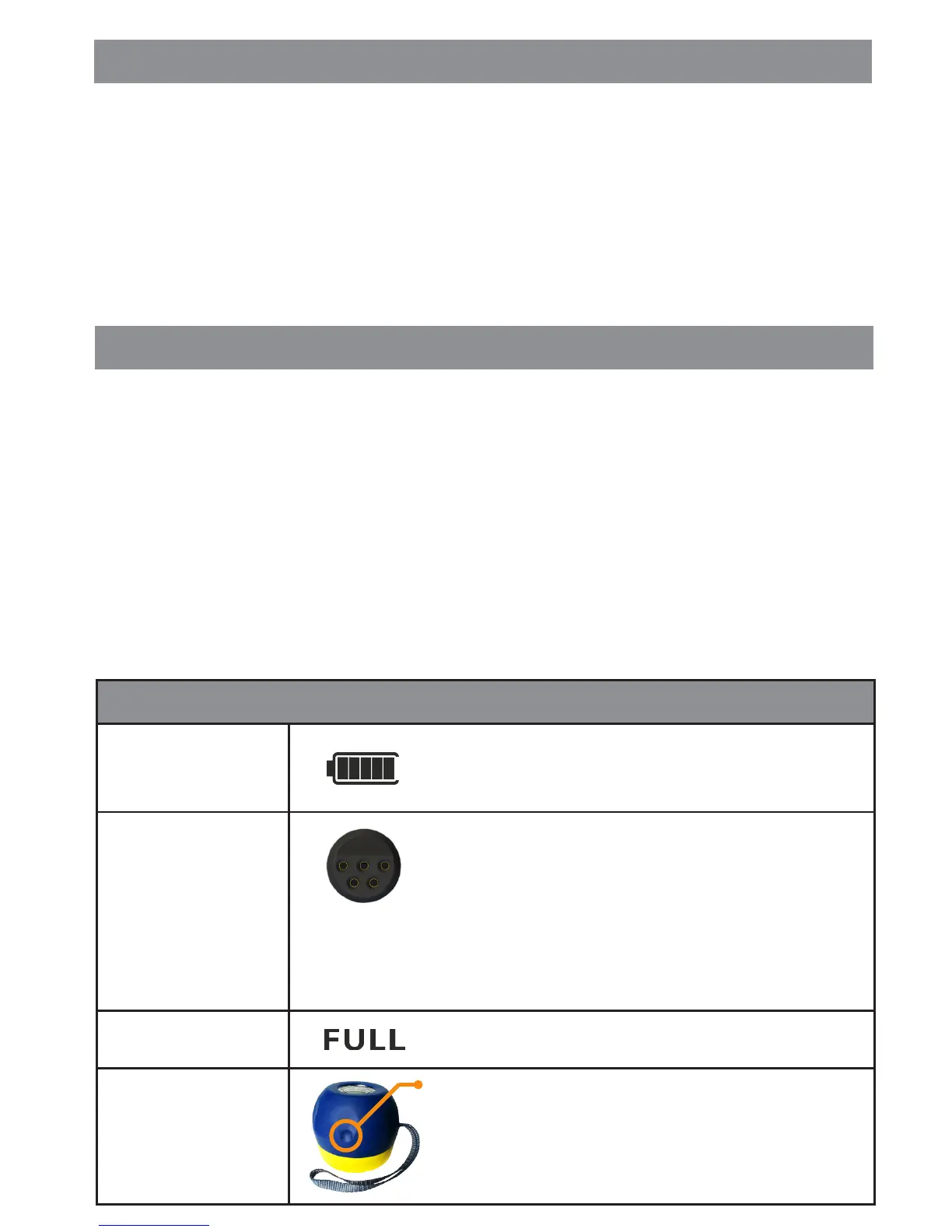
Battery Life
Charging
Full Charge
Changing the
Battery
Battery & Charging
Battery Level Indicator.
Each bar represents approximately 20% of battery life
and a full battery gives around 6 hours of normal use.
Connect the charger to the Audio/Charging/USB
connector.
The battery takes approximately 3 hours to fully
charge from empty.
During the last 10-40 mins of charging your unit will
occasionally complete a memory clean up and during
this process it is not usable. When memory clean up is in
progress the unit will display ‘MEM’.
When the unit is fully charged the backlight will turn
o and ‘FULL’ will appear.
Locate and press the dimple on the battery pack, twist
anti-clockwise and gently pull the pack o.
Reverse these steps to replace the pack.


 To Next Page
 Loading...