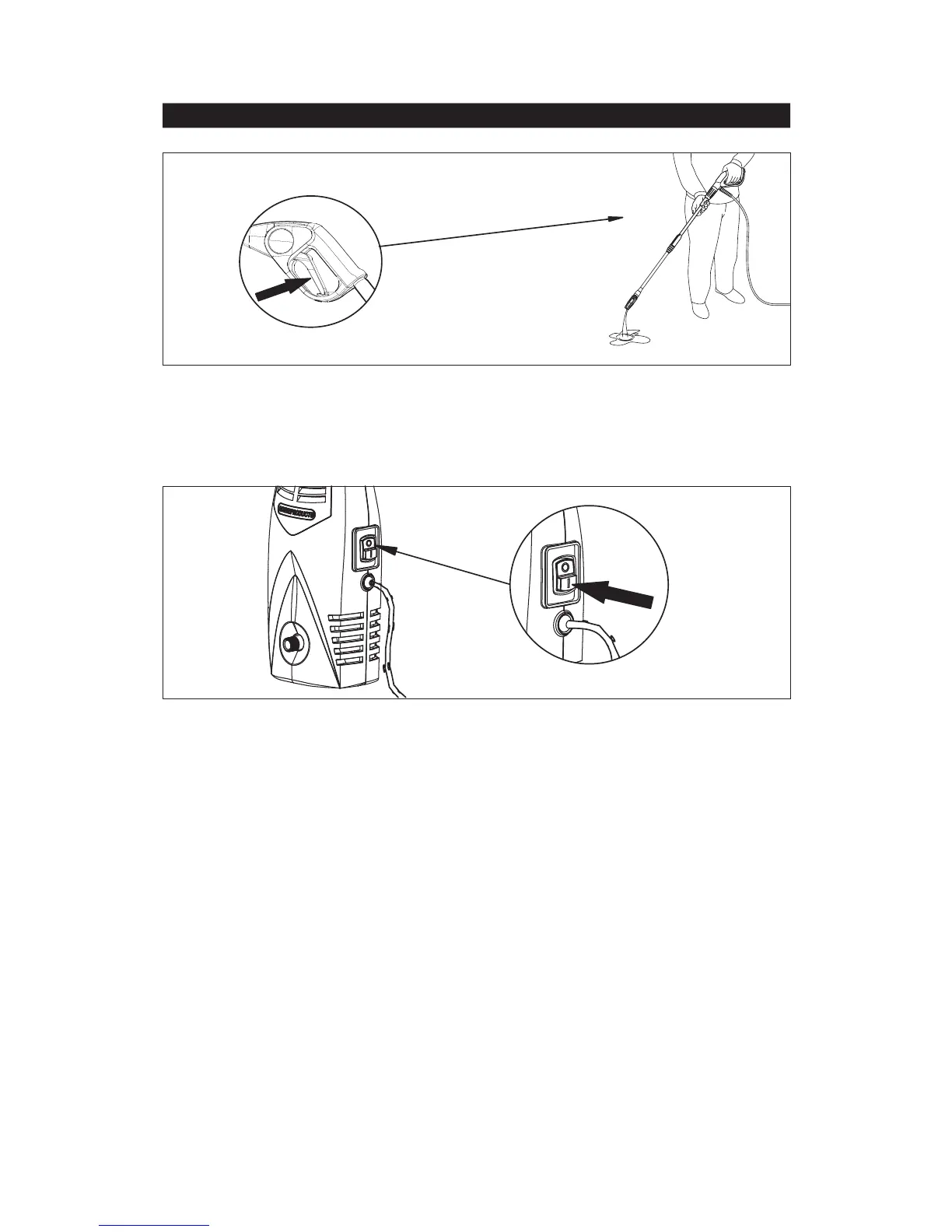
Fig.7
Fig.8
Step 7
Step
8
Start the pressure washer by turning ON/OFF switch to ON.
Before turning the unit ON, depress the trigger to bleed any trapped air out of the pump and
hose.
Surface Preparation
Before starting any cleaning task, it is important to inspect the area for objects which could create a
hazard. Remove from the workarea which could be tripped over, such as toys or outdoor furniture.
Ensure that all doors and windows are closed tight.
ASSEMBLY AND OPERATING INSTRUCTIONS
– continued
7



 To Next Page