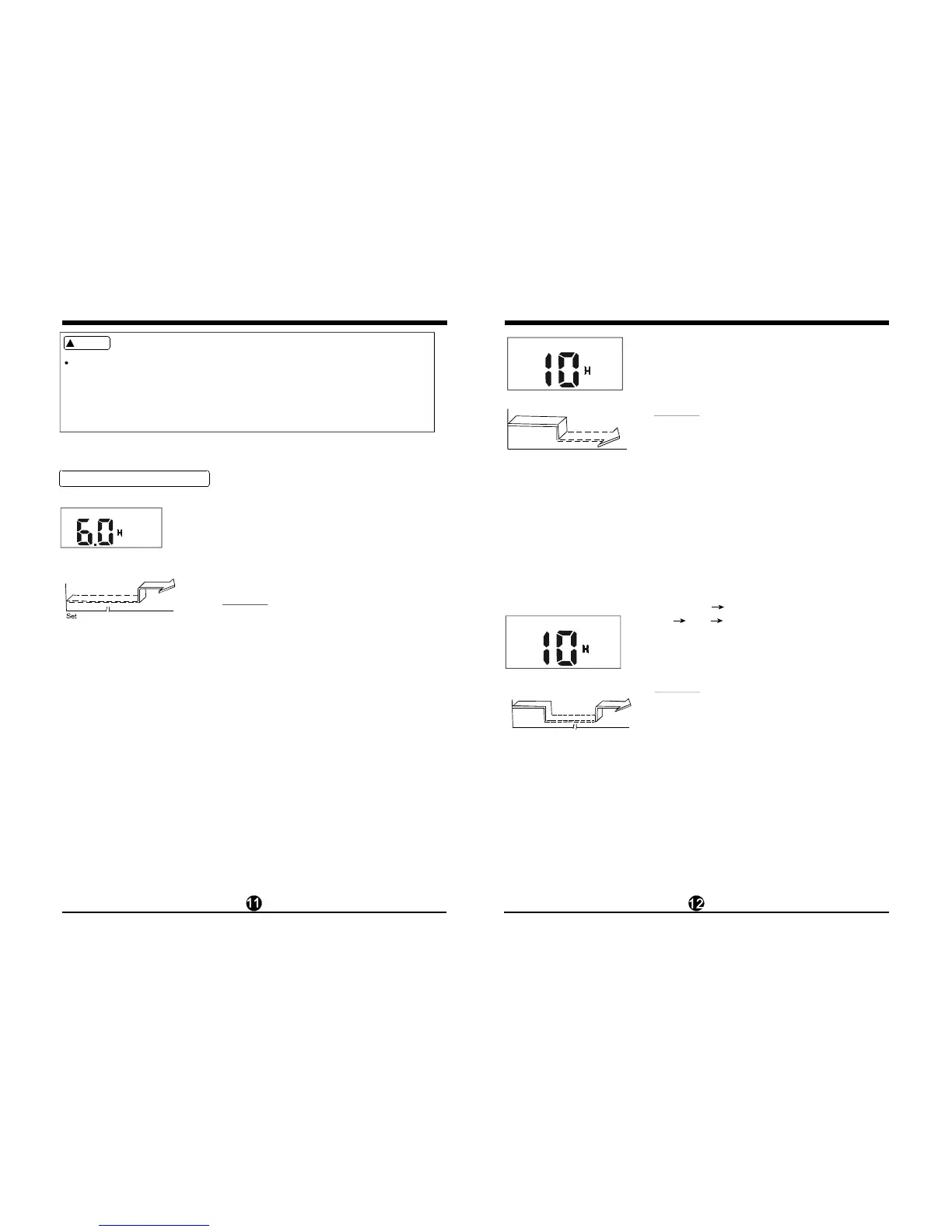
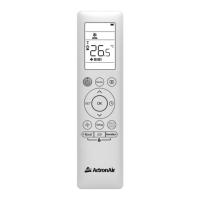
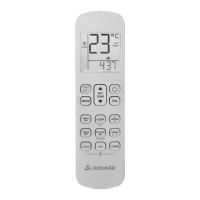
The effective operation time set by the remote controller for the timer function
is limited to the following settings: 0.5, 1.0, 1.5, 2.0, 2.5, 3.0, 3.5, 4.0, 4.5, 5.0,
5.5, 6.0, 6.5, 7.0, 7.5, 8.0, 8.5, 9.0, 9.5, 10, 11, 12, 13, 14, 15,16,17, 18, 19, 20,
21, 22, 23 and 24.
CA UTIO N
!
Example of timer setting
Start
Off
6 hours later
(Auto -on Operation)
The TIMER ON feature is useful when you want
the unit to turn on automatically b efore you return
home. The air conditioner will automatically start
opera ting at the set time.
To start the air conditioner in 6 hours.
1. Press the TIMER ON button, the last setting
o f starting operation ti me and the signal
2. Press the TIMER ON button to display "6:0H"
o n the TIMER ON display of the remote
controller.
3.
"H"
will show on the dis play area.
Wait for 3 seconds and the digi
tal display
a rea will show the temperature again. Th
e
"TIMER ON" indicator remains on and this
function is activated.
TIMER ON
Example:
TIM ER O N
Stop
On
Set 10 hours later
(Auto-off Operation)
The TIMER OFF feature is useful when you want the
unit to turn off automatically after you go to bed. The
air conditioner will stop automatically at the set time.
To stop the air conditioner in 10 hours.
1. Press the TIMER OFF button, the last setting of
stopping operation time and the signal "H" will
show on the display area.
2. Press the TIMER OFF button to display "10H" on
the TIMER OFF display of the remote controller.
3. Wait f or 3 seconds and the digital disp
lay area
will show the temperature again. The "TIME R
OFF" indicator remains on and this function is
activated.
TIMER OFF
Example:
On
Stop
2 hours later
after setting
Set
To stop the air conditioner 2 hours after setting and
start it again 10 hours after setting.
1. Press the TIMER OFF button.
2. Press the TIMER OFF button again to di splay
2.0h on the TIMER OFF display.
3.
4. Press the TIMER ON button again to display 10h
on the TIMER ON display .
5.
Press the TIMER ON button.
Wait for 3 seconds and t he digital display area
will show the temperature again. The "TIME R
ON OFF" indicator remains on and this function is
activated.
TIMER OFF TIMER ON
(On Stop S
tart operation)
This feature is useful when you want to stop the air
conditioner after you go to bed, and start it aga in in
the morning when you wake up or when you return
home.
Example:
COMBINED TIMER
(S both ON and OF )Fetting timers simultaneously
Start
10 hours later
after setting
TIMER OFF
TIMER ON OFF



 To Next Page