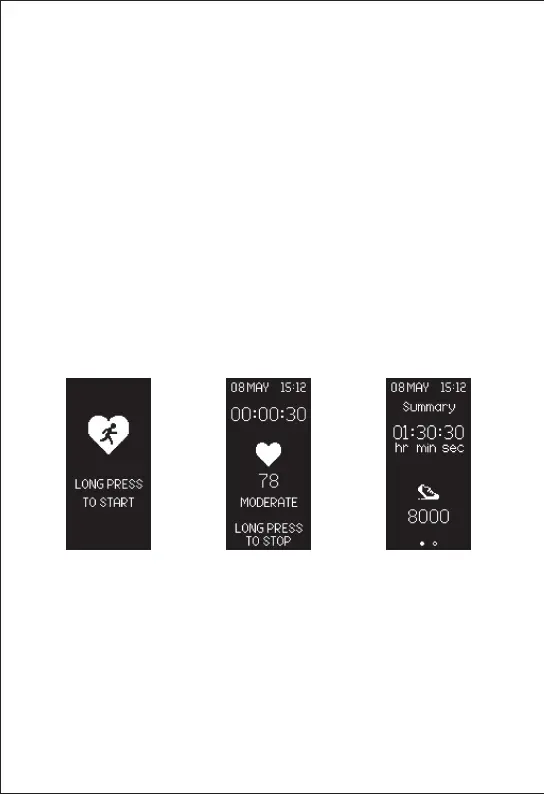
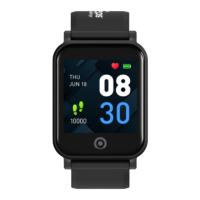
To turn on workout session with heart rate
monitoring, long touch the screen for 3 seconds
to enter into Workout Mode at the workout
screen. The timer for your workout will start
and record your session with your heart rate.
At the end of your workout, long touch the
screen again for 3 seconds to stop and to see
your workout summary.
Note: The Tempo HR 2 is able to monitor your
MVPA activity automatically throughout the day.
This function is to allow exercise session of any
duration to be tracked and monitored until it has
been deactivated.
Workout With HR Monitoring


 To Next Page