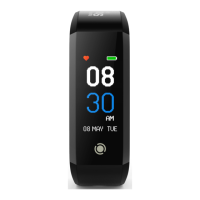
Track Your Heart Rate With The
Workout Mode
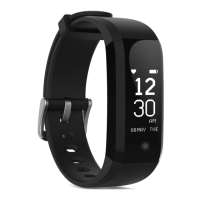
The fitness tracker will automatically record your heart rate
throughout the day as long as it is turned on, has sufficient
battery and worn correctly on the wrist. There is no need to
activate heart rate tracking. However, if you would like to
observe changes in your heart rate real-time on the fitness
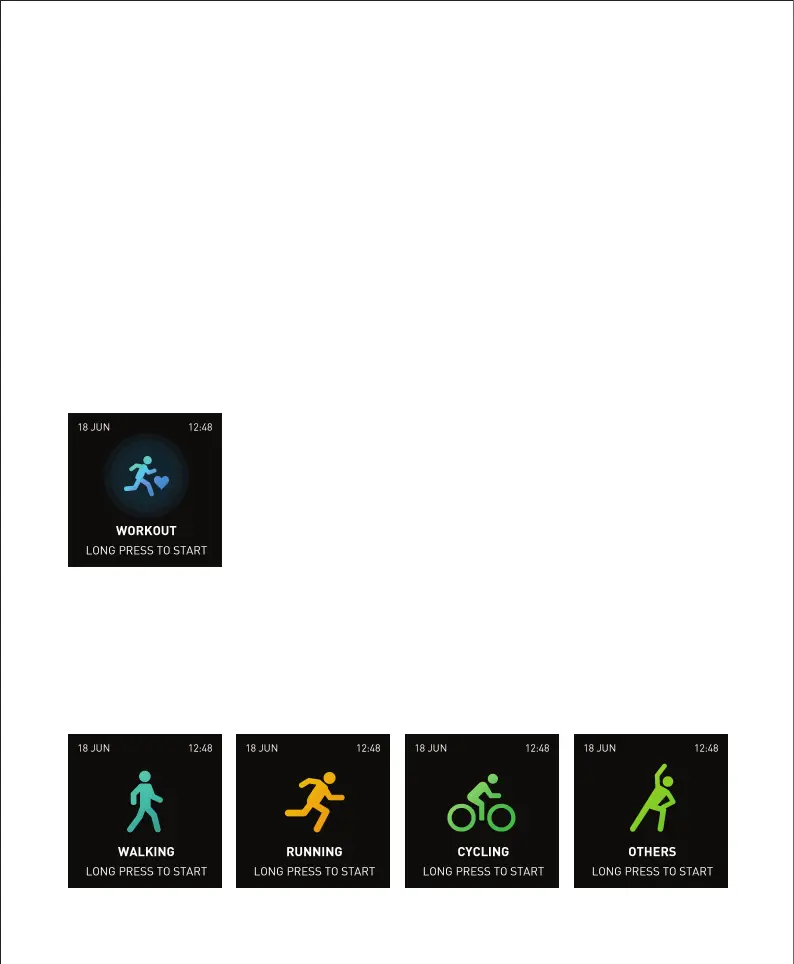
tracker, you can trigger the “Workout Mode”.
Tap to toggle between 4 different workout modes: walking,
running, cycling and others. Press and hold to start the
workout of your choice.
Tap the touch button until you see the
workout screen. Press and hold to view
the list of workout modes available.


 To Next Page