6 Navigation System
The navigation system is designed to
provide route information to help you
reach your destination. However, this
route guidance may sometimes conflict
with current road conditions such as
street closures, road construction,
detours, and out-of-date map data.
Additionally, the system itself has
certain limitations (see page 97).
Therefore, you must verify the audio
and visual route information provided
by the system by carefully observing the
roadway, signs and signals, etc. If you
are unsure, proceed with caution.
Always use your own good judgment,
and obey traffic laws while driving.
Map Overview
Current Street
The current street on which your vehicle
is, appears at the bottom of the map
screen (see page 18). A message saying
“Not on a digitized road” may appear
instead when you drive half a mile away
from a mapped road. For more details,
see Off-road Tracking on page 58.
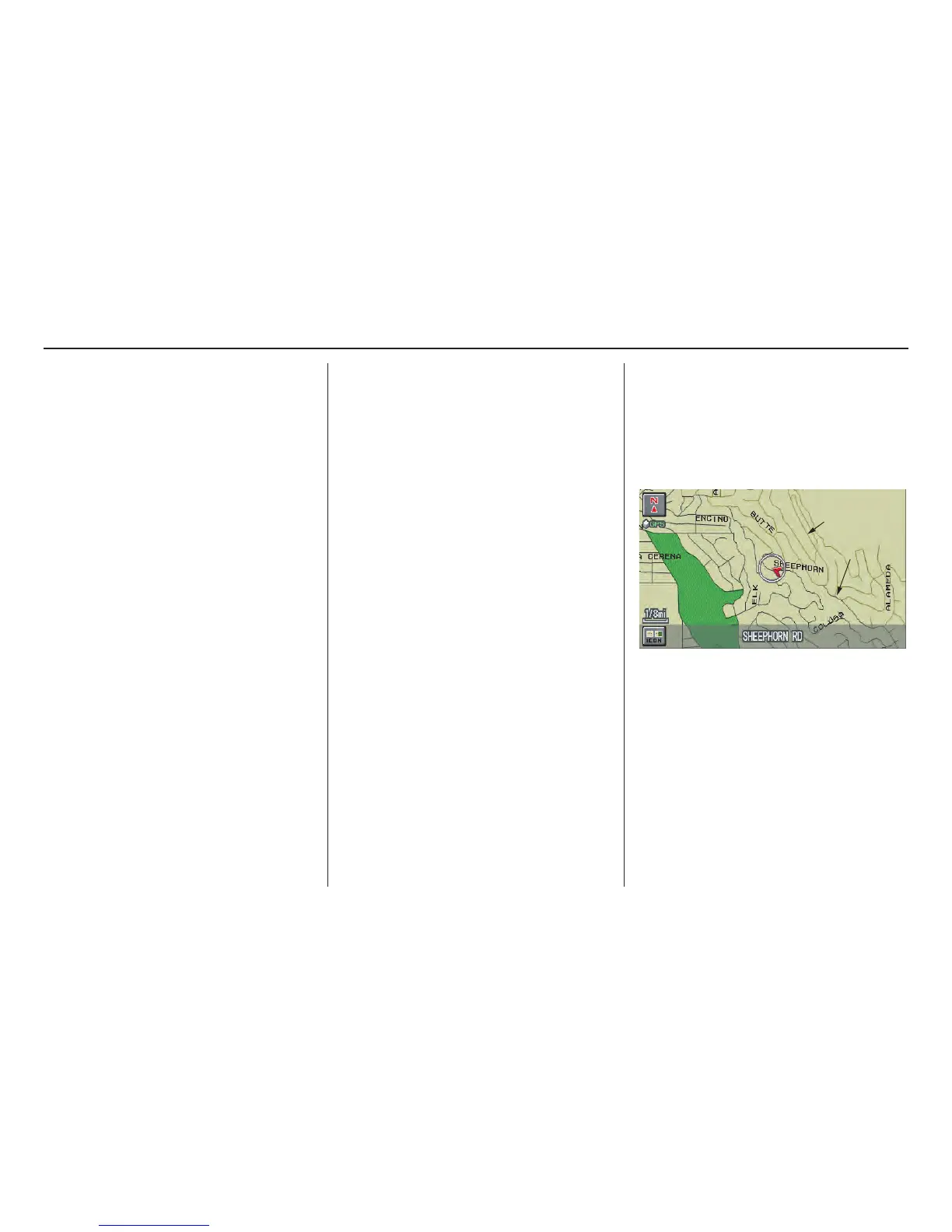
Verified/Unverified Street
Your navigation system has two kinds
of streets: verified (dark colored) and
unverified (light colored). The
differences between the two types of
streets are contrasted in the chart on
page 7.
“Unverified” Road
“Verified” Road
Introduction



 To Next Page
 Loading...











