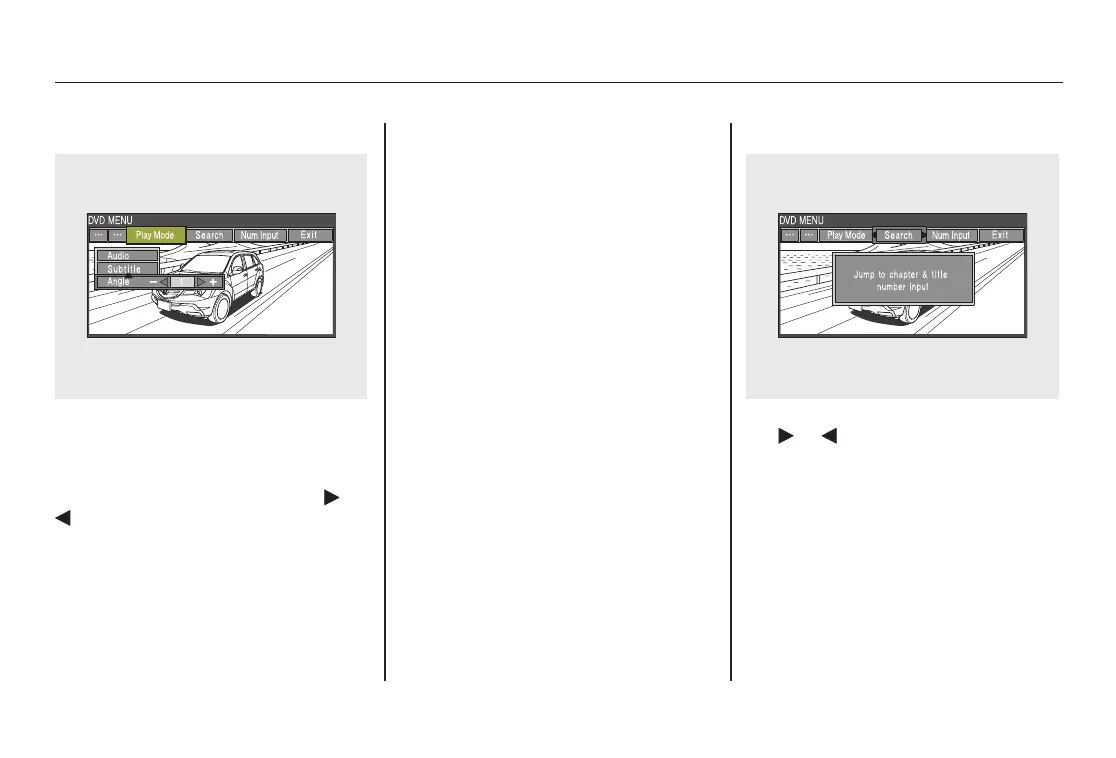
‘‘Angle’’
To change the view angle, highlight
‘‘Angle’’ from the play mode menu
with the ▼ or ▲ button and press
the ENT button. You can see the
available angle options with the
or
button. Press the ENT button
when your desired subtitle is
highlighted.
If there are no multiple angles
available on the DVD, you cannot
change from ‘‘Angle 1’’.
Press the RETURN button or cursor
back with the ▼ or ▲ button to go
back to the top of the Play Mode
menu.
Press the RETURN button again to
exit completely.
Search
When you highlight ‘‘Search’’ with
the
or button, the ‘‘Jump to
chapter and title number input’’
message appears. To select
‘‘Chapter’’ or ‘‘Title’’ search, press the
ENT button.
Rear Entertainment System
248
08/06/06 16:58:07 09 ACURA MDX MMC North America Owner's M 50 31STX620 enu



 To Next Page
 Loading...