231
uuAudio System Basic OperationuAdjusting the Sound
Adjusting the Sound
1. Press the (home) button.
2. Select an audio source icon.
3. Select SOUND.
4. Select the setting you want.
3. Select MENU.
4. Select Sound Settings.
5. Select the setting you want.
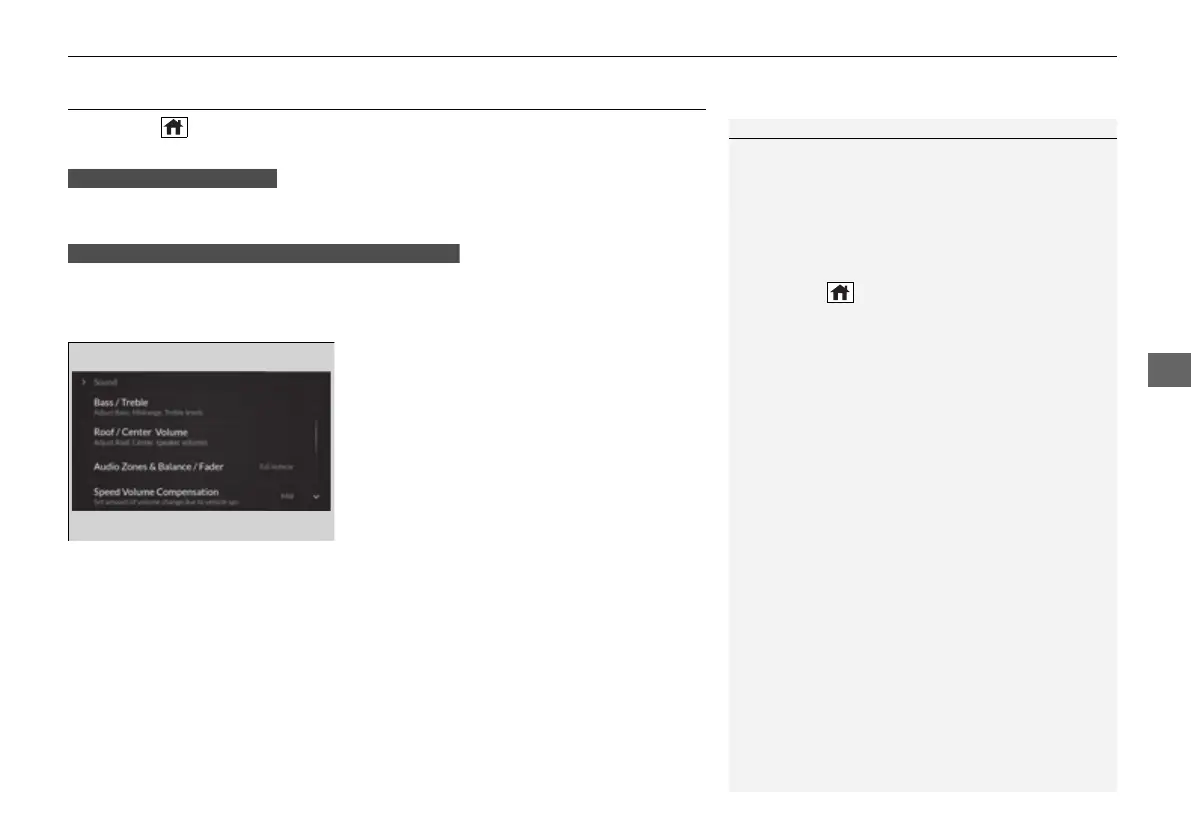
Select an item from the following choices:
• Bass / Treble: Treble, Midrange, Bass
• Roof / Center Volume
*
: Roof speaker,
center speaker
• Audio Zones & Balance / Fader
*
: Driver
Only, Front Only, Rear Only, Full Vehicle,
Balance, Fader
• Balance / Fader
*
: Balance, Fader
• Speed Volume Compensation: Speed
Volume Compensation (SVC)
• DTS Neural Surround
*
: DTS Neural
Surround
TM
• Compressed Audio Enhancement
*
:
Enhancement for compressed audio quality
1Adjusting the Sound
The SVC adjusts the volume level based on the
vehicle speed. As you go faster, audio volume
increases. As you slow down, audio volume
decreases.
You can also adjust the sound the following
procedure.
1. Press the (home) button.
2. Select Settings.
3. Select Sound.
Audio Zones & Balance / Fader
You can change where the sound comes from by
selecting one of the speaker options below:
• Full Vehicle: All the speakers emit sound.
• Driver Only: Allows driver to listen to the audio
system while maintaining a quieter environment
for the other occupants.
• Front Only: Allows front seat occupants to listen
to the audio system while maintaining a quieter
environment for occupants in the rear.
• Rear Only: Allows rear seat occupants to listen to
the audio system while maintaining a quieter
environment for occupants in the front.
Reset to Default
Select to reset the following settings from the pop-up
menu to their factory default.
• Bass / Treble
• Roof / Center Volume
*
• Audio Zones & Balance / Fader
*
• Balance / Fader
*
USB Audio, AUX Input mode
FM Radio, AM Radio, SiriusXM, Bluetooth Audio mode
* Not available on all models
21 ACURA TLX-31TGV6010.book 231 ページ 2021年3月15日 月曜日 午後3時9分



 To Next Page