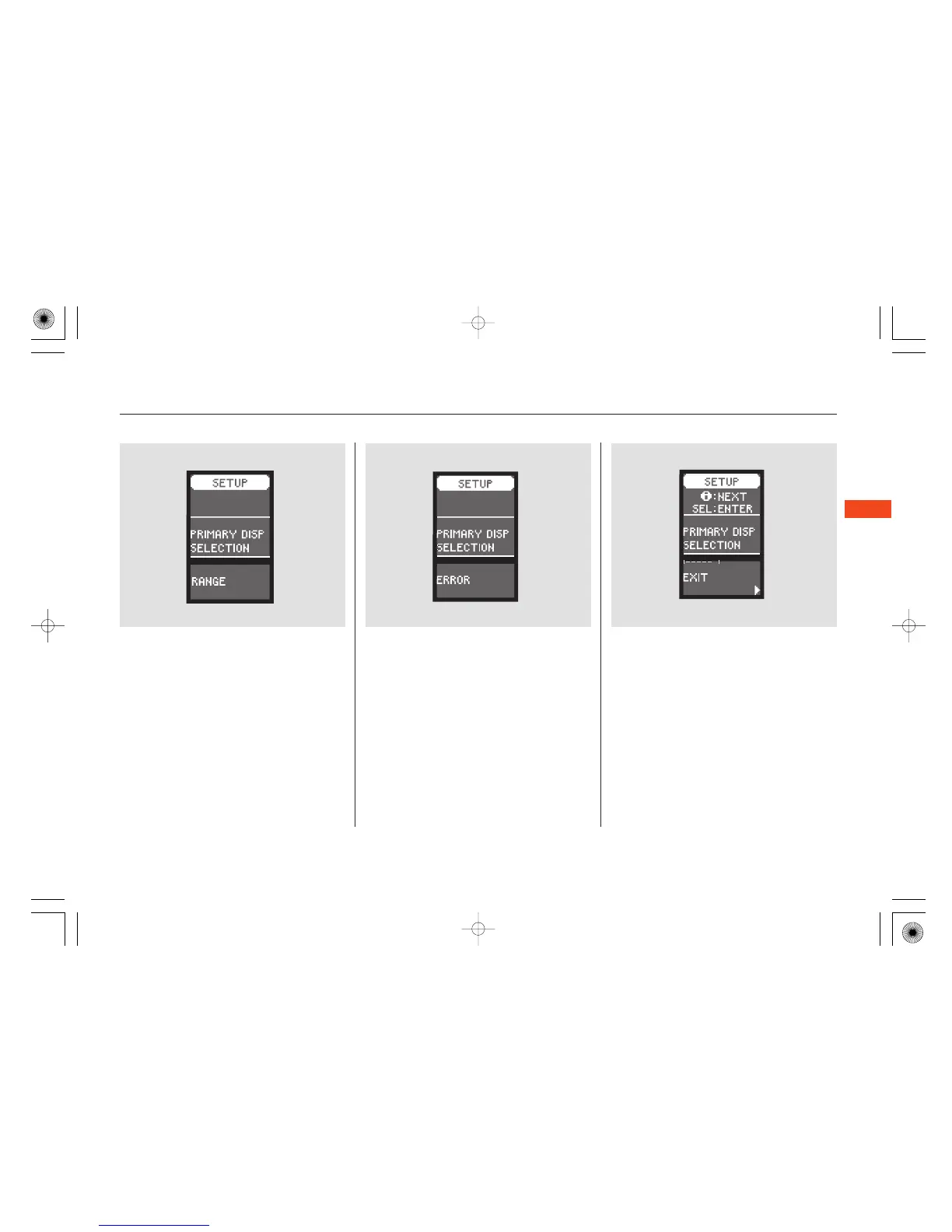
When your selection is successfully
entered, you will see the above
display for several seconds, and then
the display goes back to
‘‘CUSTOMIZE MENU.’’
If you fail to enter your selection,
you will see the above display for
several seconds, then the display
goes back to ‘‘CUSTOMIZE MENU.’’
Repeat the setup.
To exit ‘‘PRIMARY DISP
SELECTION,’’ press the INFO
button until you see ‘‘EXIT,’’ and
press the SEL/RESET button. The
display goes back to ‘‘CUSTOMIZE
MENU.’’
Multi-Information Display
Instruments and Controls
103
06/09/08 20:27:44 31SEA630 0108


 To Next Page
 Loading...