DAB Mode
The AS-4 is compatible with DAB and DAB+ radio broadcasts.
The display will show the current selected station
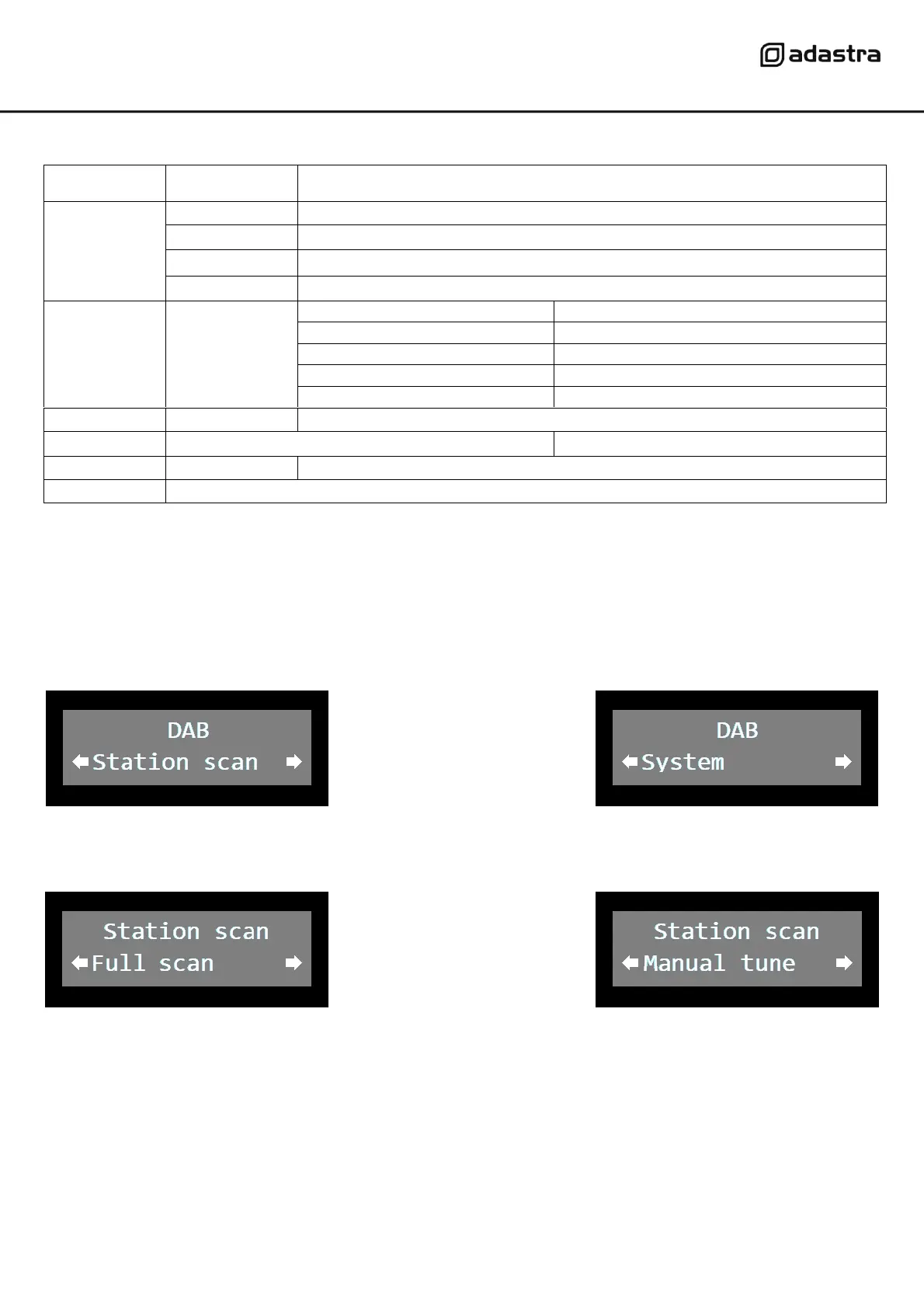
Tune into the available DAB/DAB+ stations via the “Station scan” menu.
Press the MENU button in DAB mode and the display will show as follows…
The System menu is described in the table above.
Press the TUNING dial on the “Station scan” option and the display will show 2 tuning options.
Press the TUNING dial on the “Full scan” option to auto tune all available DAB/DAB+ stations.
Press the TUNING dial on the “Manual scan” option to tune DAB/DAB+ stations manually via the TUNING dial.
Pressing the INFO button cycles through display options, showing information about the current DAB station.
The name of the current selected station is shown on the top row of the display.
The bottom row will show one of the following items…
Genre - Region - Time/Date - Channel/Frequency - Bit-rate/Mono/Stereo - Virtual Dial - Signal error - Message


 To Next Page